LIFESTYLE
Controversial shows: Shows like India's Got Latent have a line on YouTube, know how your children will be safe..
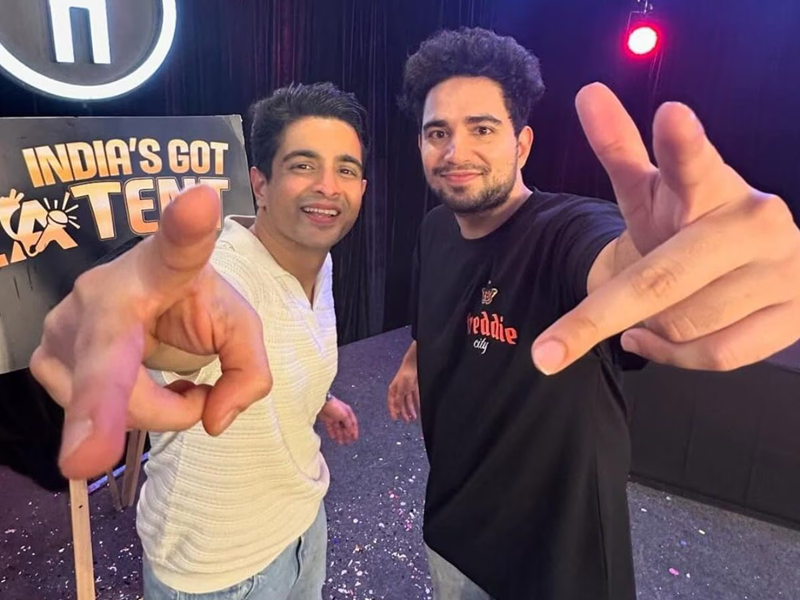
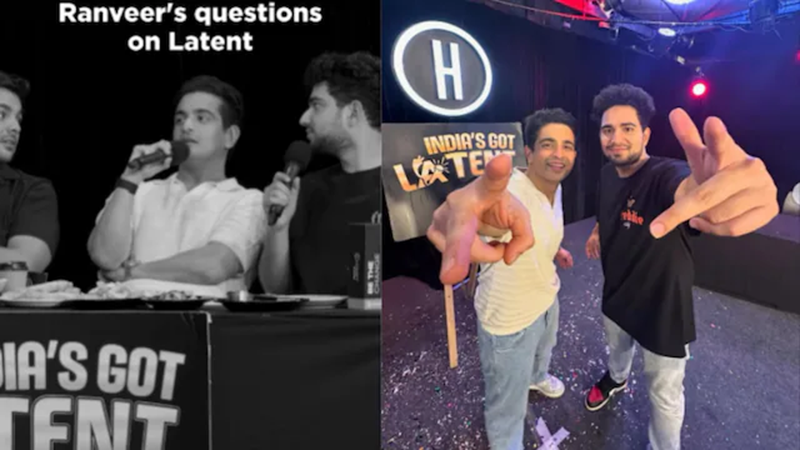
Samay Raina and Ranveer Allahbadia's controversial show: Comedian Samay Raina's YouTube show India's Got Latent is known for its obscene content. But podcaster and video creator Ranveer Allahbadia, who came on this show, made such a comment that created a ruckus. A complaint has been filed against the organizers and the guest in this matter. CM Devendra Fadnavis has also given his statement on this whole matter. This is not the only show available on YouTube, which is serving such objectionable language or content to the people. There are many such shows and YouTubers who are serving obscene abuses and obscene content to the people in the name of content. In such a situation, is your child, who is on the Internet day and night, also watching such obscene content? In this controversial video of Ranveer Allahabadi and Samay Raina, writer Manoj Muntashir has described such content as 'more dangerous than Covid'. Manoj Muntashir has written in his tweet that this is an alarm for parents, wake up, otherwise you will see the destruction of your children and your great nation with your own eyes. If you are also worried about what your child is watching on YouTube, then these tools can be useful for you.
You can follow this process to block content on YouTube. You can also use these tools so that your children can use YouTube safely.
1. Give YouTube Kids to young children: YouTube has launched a special app YouTube Kids for children, which shows only videos suitable for children. After installing it, you can also do some special settings in it. Such as smart content filters, customized content, and time limits. You can set a time limit so that children do not spend too much time on YouTube.
2. Activate "Restricted Mode" on YouTube: Restricted Mode on YouTube is a safety feature that blocks obscene and inappropriate content. To activate it, first log in to your YouTube account. At the bottom of the screen, click on the profile icon. Turn on "Restricted Mode". This ensures that content that is not appropriate for children is blocked.
3. Use the Family Link app: Google Family Link is a great way to control children's accounts. Through this, you can monitor your child's YouTube account. You can block apps and sites, as well as impose limitations on content. You can also set time limits and screen time.
4. Third-party content filter software: Apart from YouTube, there are some third-party software that allow you to control children's access to YouTube. For example, Qustodio: Is a popular parental control software that monitors and filters YouTube content for children.
5. Filtering content from the router: You can also filter content from your internet router. For example, some router models have a content filtering feature that allows you to block YouTube content on any device. Apart from this, you can also use DNS services like OpenDNS, which allows you to block inappropriate websites for users.
By following these methods, you can easily block content for children on YouTube and ensure that they only watch safe and appropriate content.