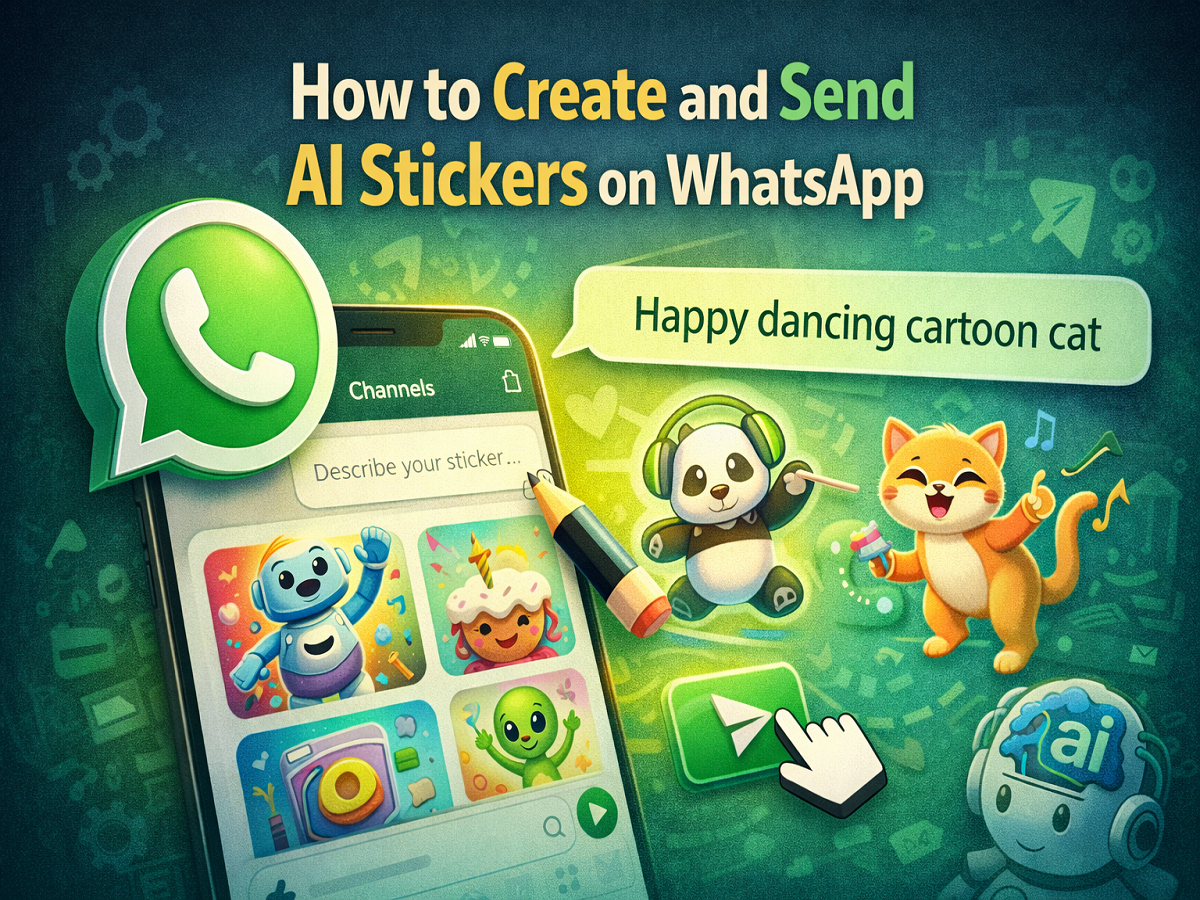
WhatsApp is constantly introducing new features to make conversations more interactive and engaging. One of the latest additions to the platform is AI-generated stickers, a feature that allows users to create unique stickers simply by typing a description. This feature uses artificial intelligence to turn text prompts into creative stickers that can be shared instantly in chats.
The AI sticker feature was introduced by Meta, the parent company of WhatsApp, as part of its broader plan to integrate AI tools across its platforms. These tools are designed to help users communicate more creatively and personalise their messaging experience.
With AI stickers, WhatsApp users no longer need to rely solely on pre-made sticker packs. Instead, they can generate custom stickers based on their own ideas, making chats more expressive and fun.
Below is a complete guide explaining what AI stickers are, how they work, and how you can create and send them on WhatsApp.
What Are AI Stickers on WhatsApp?
AI stickers are custom stickers generated by artificial intelligence based on a text prompt provided by the user. Instead of designing a sticker manually or downloading one from the internet, you simply describe the sticker you want, and the AI generates it for you.
For example, you can type prompts like:
- “Happy dancing cartoon cat”
- “Funny birthday cake character”
- “Smiling robot waving hello”
Based on the description you provide, WhatsApp’s AI system generates several sticker options that match your request.
Once created, these stickers are saved automatically in your sticker tray, allowing you to reuse them in future conversations.
Key Things to Know About WhatsApp AI Stickers
Before using this feature, there are a few important points to keep in mind:
- AI stickers are generated using Meta’s AI technology.
- The feature currently supports only English text prompts.
- The tool may not yet be available in all countries.
- Availability depends on WhatsApp version and region.
If you don’t see the feature yet, updating your app to the latest version of WhatsApp may help.
Why AI Stickers Are Useful
AI-generated stickers bring several advantages to WhatsApp users:
- Personalised conversations – Create stickers tailored to your mood or situation.
- Creative messaging – Express emotions in unique ways.
- Quick generation – Stickers are created instantly with AI.
- Reusable stickers – Once created, they remain saved in your sticker collection.
This feature makes chatting more engaging compared to using standard emojis or pre-made stickers.
Step-by-Step Guide: How to Create AI Stickers on WhatsApp
If the AI sticker feature is available in your WhatsApp app, follow these steps to generate and send your own stickers.
Step 1: Open WhatsApp
Launch the WhatsApp application on your smartphone.
Step 2: Open a Chat
Select any individual or group chat where you want to send the sticker.
Step 3: Access the Sticker Section
Tap the smiley icon next to the message box and then select the sticker icon.
Step 4: Tap on “Create”
Look for the Create option in the sticker section and tap it.
If prompted, tap Continue to proceed.
Step 5: Enter a Sticker Description
Type a text prompt describing the sticker you want to generate.
For example:
- “Cute panda waving hello”
- “Funny dancing alien”
- “Happy birthday cartoon cake”
Step 6: Choose a Sticker
WhatsApp will generate four AI sticker options based on your description.
You can:
- Select the sticker you like
- Edit the description to generate new options
Step 7: Send the Sticker
Once you choose your favourite sticker, simply tap Send.
The sticker will be shared in the chat and automatically saved in your sticker tray for future use.
Tips for Creating Better AI Stickers
To get more accurate and creative stickers, try the following tips:
- Use clear and specific descriptions.
- Include emotions or actions (e.g., dancing, laughing, waving).
- Add characters or themes like animals, cartoons, or objects.
- Experiment with different prompts to get better results.
The more descriptive your prompt is, the better the AI can generate the sticker.
AI stickers are one of the most exciting additions to WhatsApp’s messaging features. By combining artificial intelligence with creativity, the feature allows users to generate unique stickers instantly using simple text prompts.
Whether you want to send a funny reaction, celebrate a moment, or make conversations more engaging, AI stickers provide a fun way to personalise your chats.
As Meta continues to integrate AI tools across WhatsApp, users can expect even more smart features that make communication easier, more creative, and highly interactive.