LIFESTYLE
Stop Instagram From Tracking Your Web Activity: Step-by-Step Guide to Protect Your Privacy
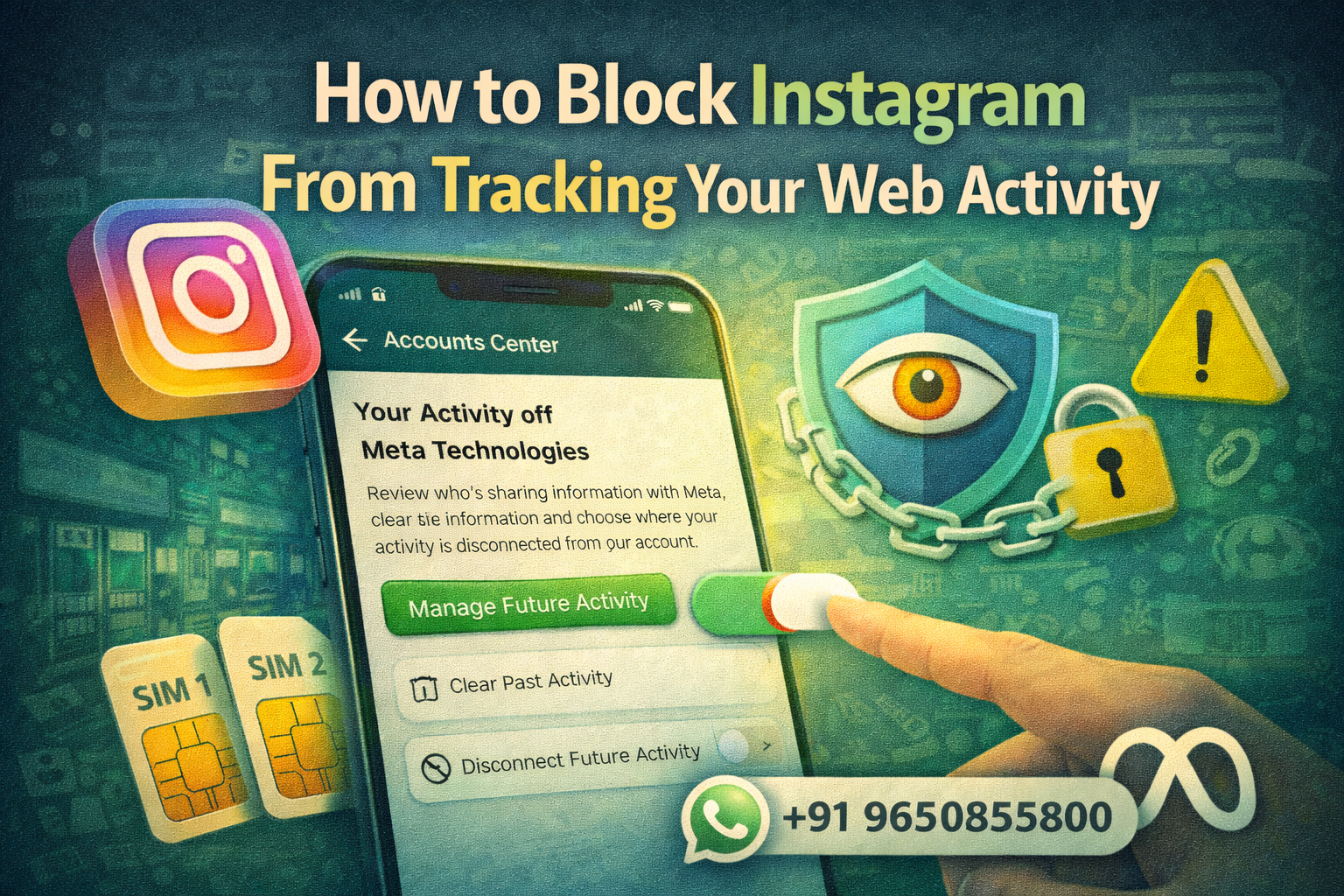
Social media platforms often collect user data to improve services and deliver personalised advertisements. One such platform is Instagram, which gathers certain information about how users interact with websites and apps outside the platform. This data is frequently used to show targeted ads and personalise the user experience.
However, many users are increasingly concerned about how their online activity is tracked. To address these concerns, Meta Platforms has introduced new privacy controls through the Accounts Center, a unified settings hub used across Instagram, Facebook, and Messenger.
With these new controls, users can see which businesses share their activity data with Meta, clear previously collected data, and even stop future tracking. This gives users more transparency and control over how their online behaviour is linked to their social media profiles.
If you want to reduce tracking and protect your privacy, here’s a detailed guide on how to stop Instagram from tracking your web activity.
Why Instagram Tracks Web Activity
When you browse websites, use mobile apps, or interact with online stores, some of those platforms share activity data with Meta. This information can include:
- Websites you visit
- Apps you interact with
- Products you view or search for
- Online purchases or browsing behaviour
Meta connects this data with your Instagram account to deliver personalised advertisements and recommendations.
This is why many users notice ads related to products or services they recently searched for online.
What Is “Activity Off Meta Technologies”?
To give users greater control, Meta introduced a feature called Activity Off Meta Technologies. This feature allows you to view and manage how external websites and apps share your activity with Instagram.
Through this tool, users can:
- See which businesses are sharing their data with Meta
- Disconnect specific websites or apps from their account
- Clear previously collected activity data
- Prevent future web activity from being linked to their Instagram profile
These settings are available inside the Accounts Center, which manages privacy and account preferences for Instagram, Facebook, and Messenger.
Step-by-Step Guide to Block Instagram From Tracking Your Web Activity
Follow these steps to manage or stop Instagram from collecting your web activity data.
Step 1: Open the Instagram App
Launch the Instagram app on your smartphone.
Step 2: Go to Your Profile
Tap your profile picture located in the bottom-right corner of the screen.
Step 3: Access Settings and Privacy
Tap the three horizontal lines in the top-right corner and select Settings and Privacy.
Step 4: Open Accounts Center
At the top of the settings menu, tap Accounts Center.
This section contains advanced account and privacy controls.
Step 5: Select “Your Information and Permissions”
Inside Accounts Center, tap Your Information and Permissions.
Step 6: Tap “Your Activity Off Meta Technologies”
Select the option labeled Your Activity Off Meta Technologies.
Here, you will see a list of businesses and websites that have shared your activity data with Meta.
Step 7: Manage Your Activity
You will find several options here, including:
- View Recent Activity – See recent data shared by businesses
- Disconnect Specific Apps or Websites – Stop certain platforms from sharing data
- Clear Previous Activity – Remove previously stored activity data
- Manage Future Activity – Stop businesses from sending new activity data to Meta
If you choose Disconnect Future Activity, Meta will also clear your previous activity history.
What Happens When You Disable Future Tracking?
When you disable activity tracking:
- Businesses will no longer share your activity data with Meta
- Instagram will stop linking external web activity to your profile
- Your advertising preferences may become less personalised
Although you may still see ads on Instagram, they will be less influenced by your browsing activity outside the platform.
Why Controlling Your Web Activity Matters
Many users today value privacy and want more transparency regarding how their data is used online. Limiting web activity tracking helps:
- Reduce targeted advertising
- Improve control over personal data
- Prevent unnecessary sharing of browsing behaviour
- Increase awareness of how companies collect data
Taking advantage of privacy tools offered by platforms like Instagram can help users maintain better control over their digital footprint.
Online tracking has become a common practice among social media platforms and advertising networks. However, tools like Activity Off Meta Technologies give users the ability to manage how their browsing data is shared with Instagram.
By reviewing and adjusting these settings, users can significantly reduce the amount of external activity linked to their social media accounts.
While some people may prefer personalised ads, others may prioritise privacy. Thankfully, Instagram now provides the option to decide how much of your web activity should be connected to your account.