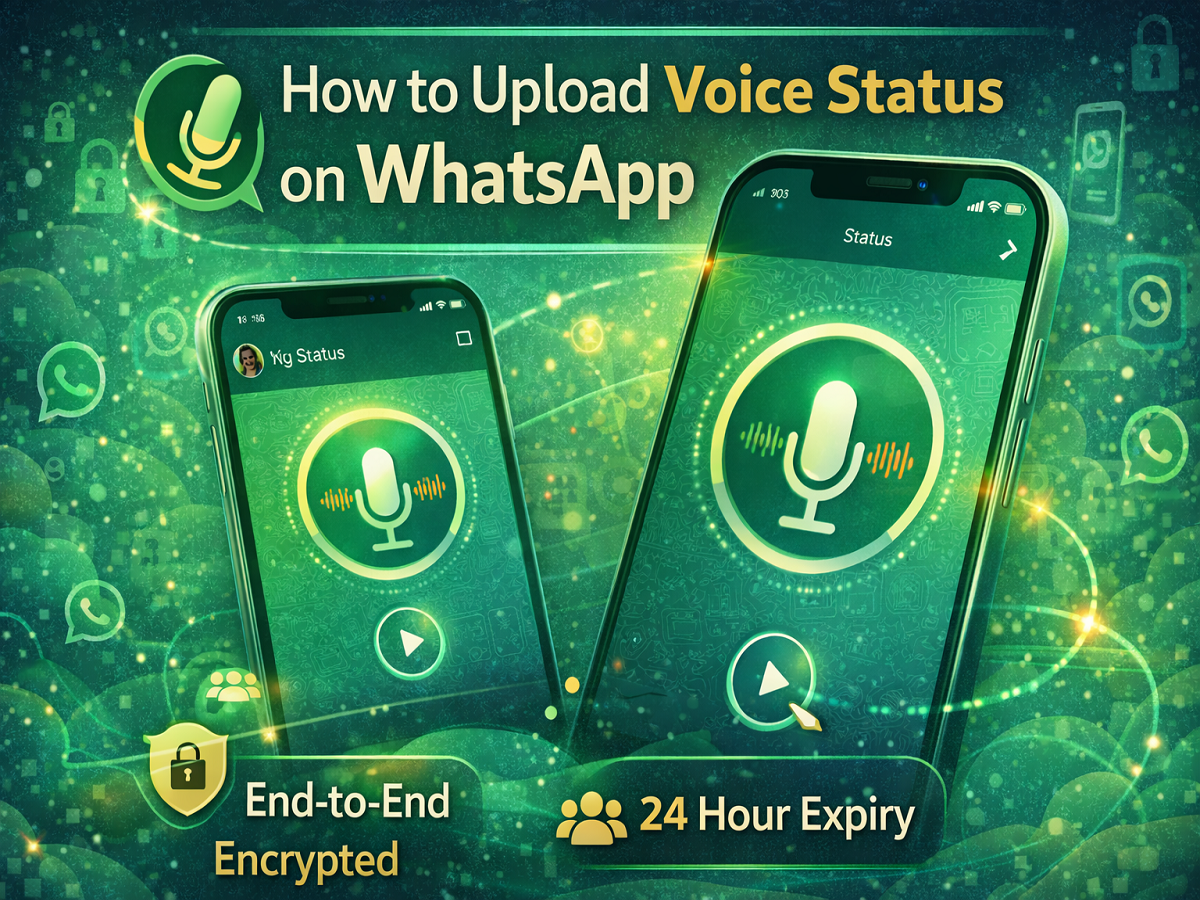
WhatsApp continues to enhance the way users share updates with their contacts. The Meta-owned messaging platform has introduced a Voice Status feature, allowing users to upload short voice recordings as their status updates. This feature adds a new dimension to WhatsApp Status, which previously supported only text, images, and videos.
Initially introduced for iOS users, the voice status option is now available for Android users as well. With this update, users can record and share voice notes directly on their WhatsApp Status, making it easier to express thoughts, announcements, or quick updates in audio format.
Just like other status updates on WhatsApp, voice statuses are protected by end-to-end encryption, ensuring that only selected contacts can listen to them.
Below is a complete guide explaining how the WhatsApp voice status feature works and how you can upload a voice status on your smartphone.
What Is WhatsApp Voice Status?
WhatsApp Voice Status allows users to record and upload voice notes as a status update. Instead of typing text or uploading media, users can simply speak into their phone and share the audio with their contacts.
Voice statuses behave similarly to other WhatsApp status posts:
- They are visible only to selected contacts based on privacy settings
- They are end-to-end encrypted
- They disappear automatically after 24 hours
This feature is particularly useful for users who want to share quick updates without typing.
Privacy and Control Over Voice Status
WhatsApp ensures that users remain in control of their status updates.
When posting a voice status:
- Users can choose who can view the update using status privacy settings
- The audio status is protected with end-to-end encryption
- Users can delete the voice status anytime after posting
These privacy controls help maintain security while sharing voice updates.
Steps to Upload a Voice Status on WhatsApp
Follow these steps to share a voice note as your WhatsApp Status:
- Open the WhatsApp app on your Android smartphone.
- Tap on the Status tab located at the bottom of the screen.
- At the top of the screen, tap on “My Status.”
- The status creation screen will appear.
- Press and hold the microphone icon to start recording your voice status.
- Release the icon when you want to stop recording.
- You can optionally add text, stickers, or drawings to your status update.
- Tap the Send icon to publish the voice status.
Once uploaded, the voice status will be visible to your selected contacts for the next 24 hours.
When Voice Status Can Be Useful
Voice status updates can be helpful in many situations, including:
- Sharing quick announcements with contacts
- Posting personal thoughts or updates
- Sending greetings or messages without typing
- Communicating updates to friends, family, or colleagues
For many users, speaking can be faster and more expressive than writing.
Availability of the Feature
The voice status feature has been rolled out gradually to WhatsApp users. While it was first introduced on iOS, it is now becoming available for Android users as well.
If you do not see the option yet, updating WhatsApp to the latest version may help. Otherwise, the feature should appear once the rollout reaches your device.
WhatsApp’s voice status feature adds a new way to communicate with contacts through audio updates. By allowing users to record and share voice messages as status updates, the platform makes communication more personal and expressive.
If you enjoy sharing updates with your contacts, the voice status feature can be a convenient alternative to text or photo statuses.