
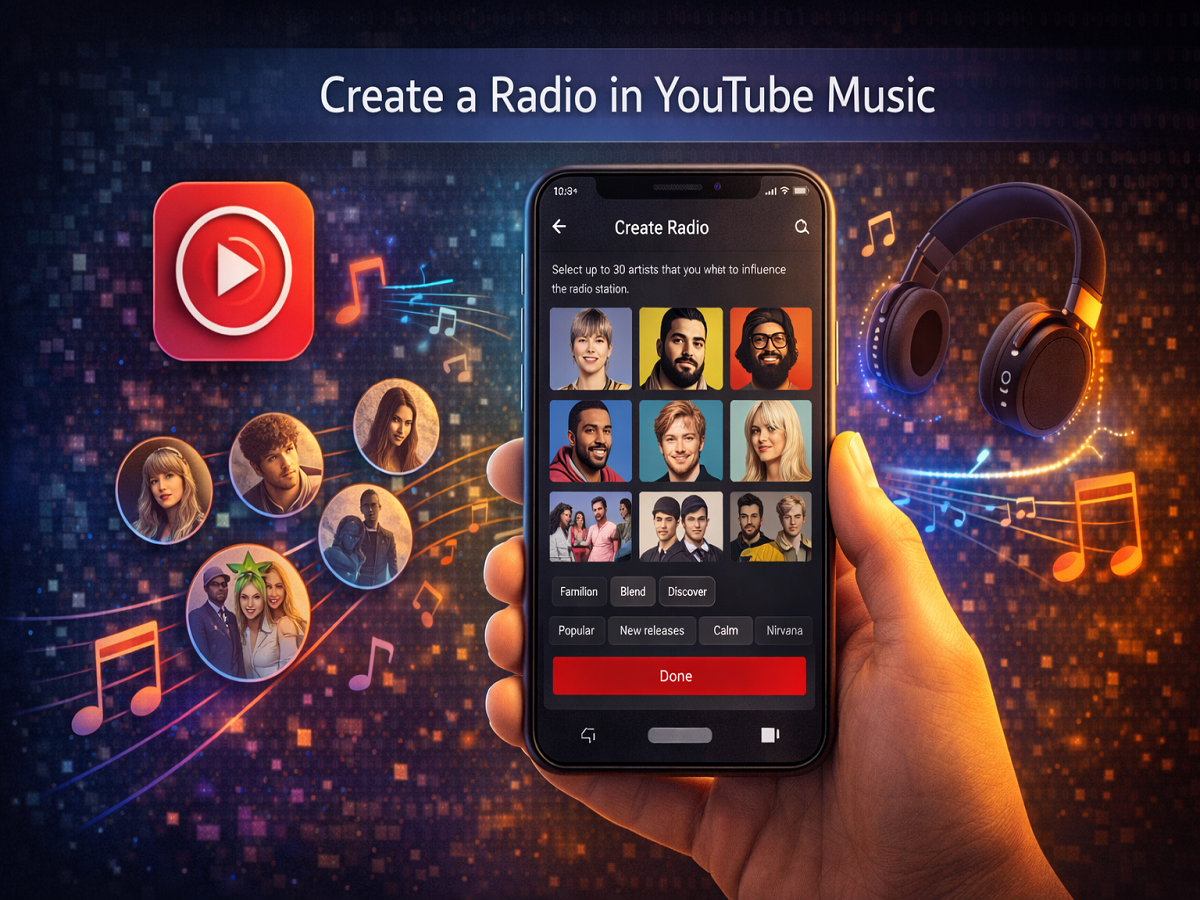
Music streaming platforms are constantly introducing features that help listeners discover songs tailored to their tastes. One such feature available on YouTube Music is Create a Radio, which allows users to generate a custom radio station based on their favorite artists and music preferences.
Instead of relying on generic playlists, this feature builds a personalized stream of songs that align with the listener’s selected artists, genres, and listening habits. It helps users explore new music while still enjoying tracks that match their style.
If you want to create a custom radio station that reflects your musical interests, here is a detailed guide explaining how the feature works and how you can set it up on your smartphone.
What Is the “Create a Radio” Feature on YouTube Music?
The Create a Radio feature allows users to generate a customized radio station by selecting specific artists they enjoy. The system then automatically plays songs from those artists as well as other tracks that share similar styles.
This feature works using recommendation algorithms that analyze your listening behavior and preferences. Once a radio station is created, the app continues to suggest songs that fit the same musical theme.
Users can start a radio station in multiple ways. For example, you can:
- Start a radio from a specific song
- Start a radio from an artist
- Start a radio from an album
- Create a radio by selecting multiple favorite artists
The platform then builds a continuous playlist that evolves based on the feedback you provide while listening.
Why Use YouTube Music’s Custom Radio Feature?
The Create a Radio feature is designed to make music discovery easier and more personalized. Some of its key benefits include:
Personalized listening experience
The radio station adapts to your music preferences.
Discover new artists
The feature introduces you to similar musicians you may not have heard before.
Continuous playback
Songs keep playing automatically without needing to manually search for new tracks.
Customizable settings
Users can adjust the playlist to focus on familiar songs or explore new music.
Step-by-Step Guide to Create a Radio on YouTube Music
Creating a personalized radio station is a quick process that can be done directly within the YouTube Music app.
Step 1: Open the YouTube Music App
Launch the YouTube Music app on your Android smartphone or Apple iPhone.
Step 2: Find the “Create a Radio” Option
Scroll down in the app until you find the Create a Radio option. In some versions, this feature may appear under the label Your Music Tuner.
Step 3: Select Your Favorite Artists
After tapping the option, you will see a grid of artists. Choose up to 30 artists that you enjoy listening to.
Step 4: Adjust Song Preferences
Next, select how often songs from your chosen artists should appear. You can choose between three options:
- Familiar – Mostly songs you already know
- Blend – A mix of known songs and new recommendations
- Discover – Focus on exploring new music
Step 5: Apply Music Filters
YouTube Music also provides several filters to refine the playlist. These include options like:
- Popular songs
- Deep cuts
- New releases
- Pump-up tracks
- Chill music
- Upbeat songs
- Downbeat songs
- Focus playlists
Step 6: Create the Radio Station
Tap Done, and the app will generate a radio station based on your preferences.
How to Improve Your Radio Recommendations
Once your radio station starts playing, you can refine it further by interacting with the songs.
You can:
- Thumbs up songs you like
- Thumbs down songs you don’t enjoy
- Skip tracks to move to another song
- Save songs to your library or playlists
These interactions help the algorithm better understand your taste, which improves future song recommendations.
Final Thoughts
The Create a Radio feature on YouTube Music offers a powerful way to discover music tailored to your interests. By selecting favorite artists and adjusting listening preferences, users can build a customized radio station that continuously evolves with their music taste.
Whether you want to revisit familiar songs or explore new artists, this feature provides a convenient way to enjoy a personalized streaming experience without manually searching for tracks.