
After retirement, a pension is the sole source of income credited to your account. To ensure that your pension is received on time, it is mandatory for pensioners to submit a 'Jeevan Pramaan Patra' (Digital Life Certificate) every year. Even after submitting this certificate, many pensioners often wonder about their current pension status and how they can check it.
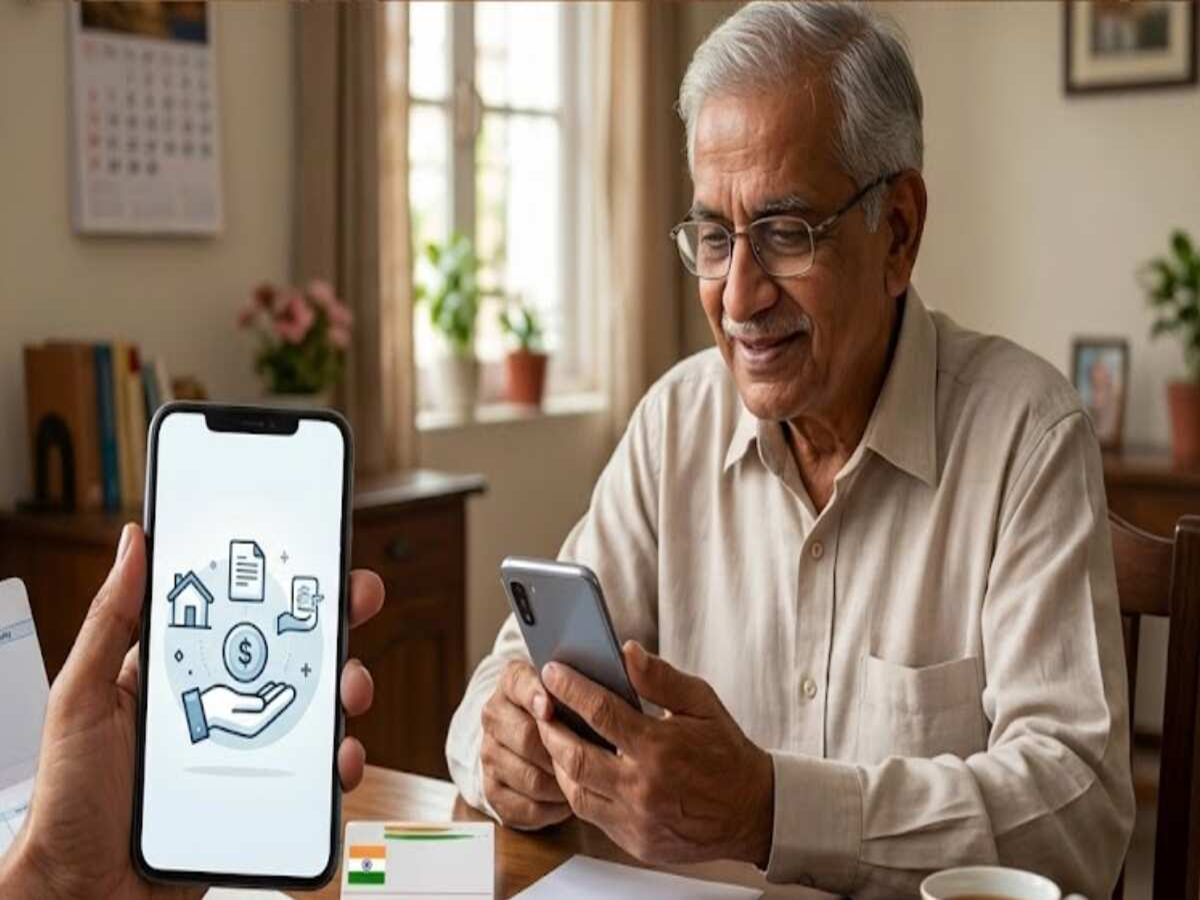
This process can be easily completed online from the comfort of your home. You simply need to visit the EPFO website at epfo.gov.in. The Employees' Provident Fund Organization (EPFO) has introduced this facility so that members do not need to travel elsewhere to check their pension status or handle other related tasks—everything can be managed conveniently from home.
How to check your pension status online:
First, visit the official website: http://www.epfo.gov.in.
Click on the 'Pensioners' option in the top menu.
Select the 'Login' option.
Enter your required credentials to log in.
In the menu on the left-hand side, click on the option 'Know your pension status'.
Enter your 'Issuing Office', 'Office ID', and 'PPO Number'.
Click on 'Get Status', and your pension status will then appear on your screen.
Digital Life Certificate can be submitted until November 30th.
If you are a pensioner, you are likely aware that a 'Jeevan Pramaan Patra' (Life Certificate) must be submitted every 12 months; failing to do so may result in the suspension of your pension for the following month. Pensioners under both central and state government schemes are required to submit their Life Certificate by November 30th each year. Furthermore, if for any reason the November 30 deadline is missed, pensioners will stop receiving their pension from the following month; however, they can resume their pension by submitting a life certificate at a later date.
PC Social Media