
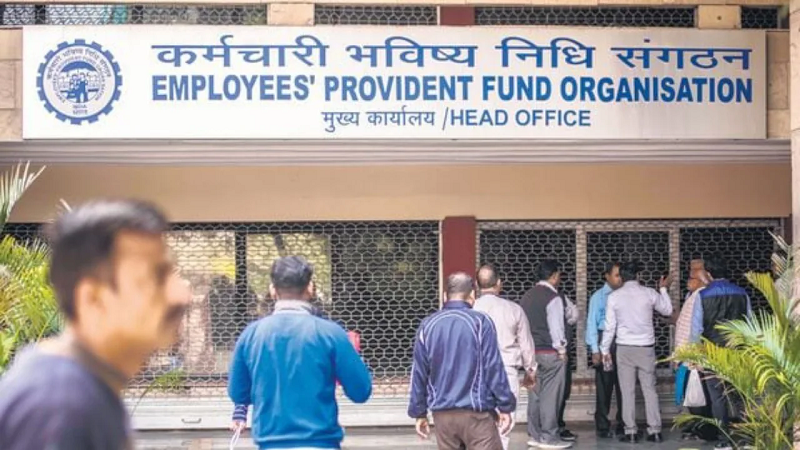
Every employee with a Provident Fund (PF) account is assigned a Universal Account Number (UAN) by the Employees' Provident Fund Organization (EPFO). This unique number simplifies access to EPF-related information and enables users to manage their accounts efficiently. Since UAN plays a crucial role in handling provident fund transactions, linking an incorrect member ID can lead to complications.
Good News: EPFO Now Allows Easy Unlinking of Incorrect Member IDs
To resolve this issue, the EPFO introduced a new feature in a circular dated January 17, 2025. This update allows users to remove any wrongly linked member ID from their UAN, provided it was linked without their consent.
If you’ve mistakenly linked the wrong member ID, follow these steps to remove it. Note: Your Aadhaar-linked mobile number must be active for the process.
Steps to Unlink an Incorrect Member ID from Your UAN
- Log in to the Unified Members Portal and authenticate using the OTP.
- Go to the "View" menu and select "Service History."
- Identify the incorrectly linked member ID and click on "Unlink."
- Confirm the action by clicking "OK."
- On the following page, select the reason for unlinking.
- Two consent checkboxes will appear—select them to generate an OTP.
- Enter the OTP sent to your Aadhaar-linked mobile number. Once verified, the incorrect ID will be removed from your service history.
By following these steps, you can ensure that only the correct member ID remains linked to your UAN, preventing any future complications with your EPF account.


