LIFESTYLE
LPG Booking: No Phone Calls—Book Your Cylinder Using These 4 Methods, know Step-by-Step Process here....
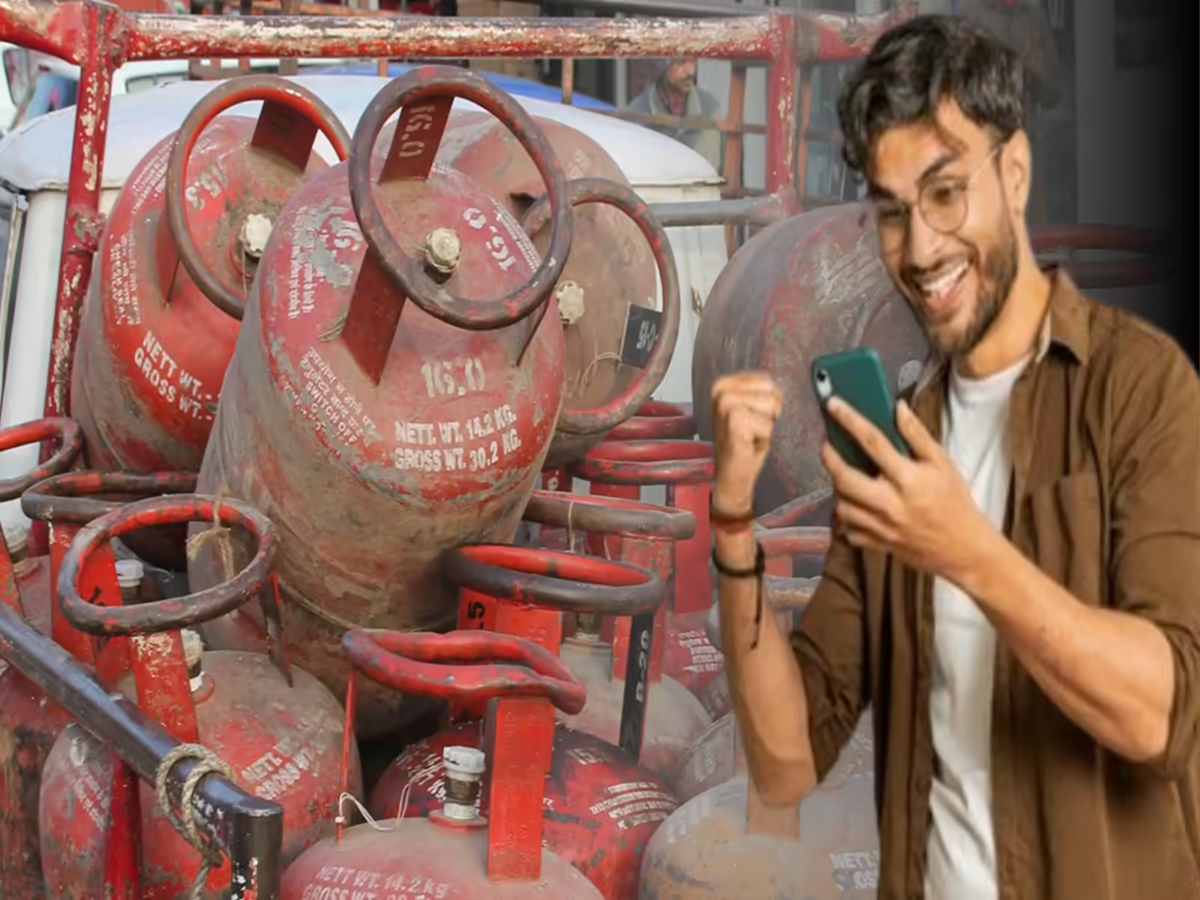
Running out of cooking gas in the kitchen—and being unable to book a refill via a phone call—is a situation currently being witnessed in many households. Amidst gas cylinder shortages and busy phone lines, people are struggling to figure out how to book a cylinder quickly.
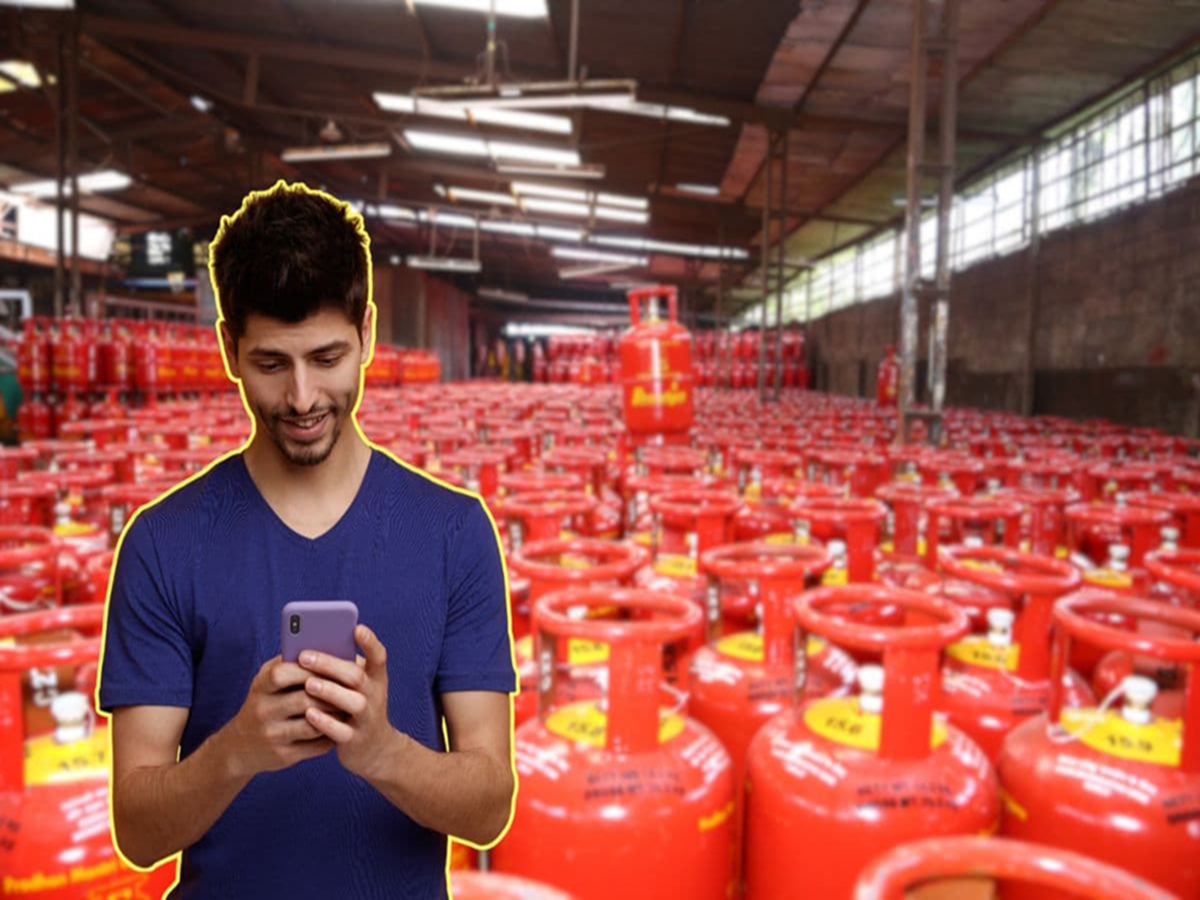
However, the good news is that there are now several easy digital methods available for booking gas cylinders (LPG cylinder booking), allowing you to complete a booking in just a few minutes without making a phone call.
If your home is also running low on gas and you are finding it difficult to place a call, you can book a cylinder using these 4 simple methods:
1. Gas Cylinder Booking via WhatsApp (WhatsApp LPG Booking)
Many gas companies now offer the facility to book cylinders through WhatsApp as well.
How do Bharat Gas users book?
1. Open WhatsApp using the mobile number registered with your gas connection.
2. If you are a Bharat Gas customer, save the number 1800224344.
3. Type and send "Hi" to this number on WhatsApp.
4. Next, select "Refill Booking" from the options that appear in the chat.
5. Your gas booking will be completed within a few seconds, and you will receive a confirmation message.
How do Indane Gas users book?
Open WhatsApp, type "REFILL," and send it to 7588888824.
What should HP Gas users do?
Open WhatsApp, type "Hi" or "Book," and send it to 9222201122.
2. Gas Cylinder Booking via SMS
Indane Gas Customers:
1. Type a message from your registered mobile number: REFILL.
2. Send it to 7718955555.
3. You will receive a booking confirmation message shortly.
Bharat Gas Customers:
1. Type "LPG" in the message.
2. Send it to 7715012345.
3. You will receive a booking confirmation SMS.
3. Gas Booking via Missed Call
The easiest method is booking via a missed call. It requires neither the internet nor the need to type out a message.
How to Book?
Indane Gas Customers: Give a missed call to 8454955555
HP Gas Customers: Give a missed call to 94936022222
After placing the missed call, you will receive a booking confirmation message on your mobile number.
4. Gas Cylinder Booking via Mobile Apps
Nowadays, gas cylinders can also be booked through various mobile applications.
UMANG App
Paytm
PhonePe
Amazon Pay
How to Proceed?
1. Open the app and select the 'LPG' or 'Gas Cylinder' option.
2. Select your gas provider.
3. Enter your customer number or registered mobile number.
4. Click on "Book Cylinder."
Your booking will be completed within just a few minutes.
Please ensure that when making a booking, you always use the specific registered mobile number that is linked to your gas connection. This ensures that the booking is processed instantly and without any complications.
Amidst the shortage of gas supplies, these digital methods are proving to be a source of relief for people, as there is no longer any need to make lengthy phone calls or make repeated trips to the gas agency to book a cylinder.
PC Social Media