LIFESTYLE
Malware: Google warns Android users that this dangerous malware can steal all your personal data..
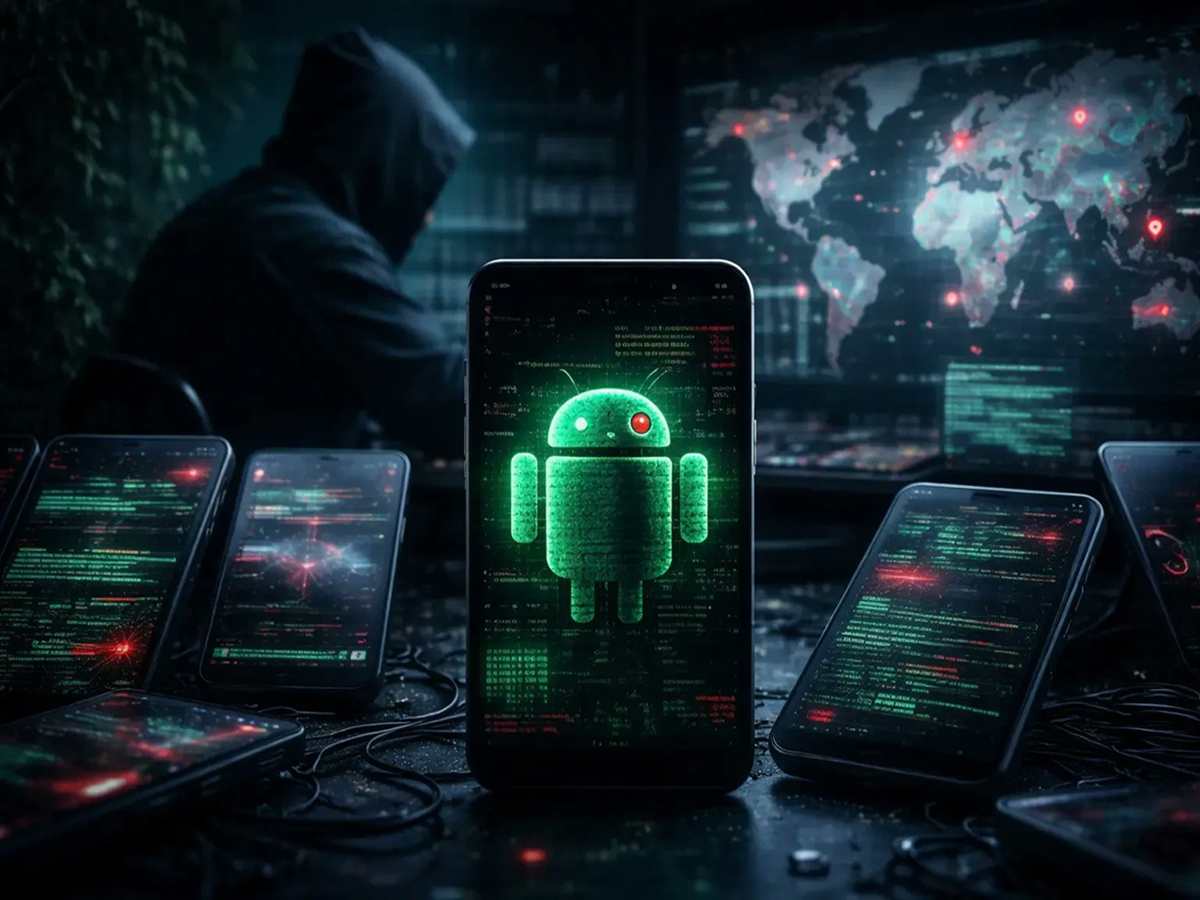
If you use an Android phone, be careful. Google has issued an alert about a dangerous virus (malware) called 'Arsink'. Experts say this virus is infiltrating phones worldwide. It's so dangerous that it can steal your phone's messages, contacts, and even your private photos and videos.
What is Arsink malware?
According to mobile security experts, Arsink is not a minor virus that simply slows down your phone. It's actually like a 'digital spy'. Once it gets into your phone, a hacker can completely take control of your device remotely and operate it as they please.
How does it work, and how does it trap you?
The Arsink malware doesn't directly enter your phone; it's delivered through deceptive means. It's not available on the Google Play Store, so fraudsters use the names of popular apps like WhatsApp, Instagram, and YouTube to spread it. People often fall for the lure of 'mod' or 'premium' versions of these apps (like ad-free YouTube or WhatsApp with extra features) found on Telegram, Discord, or unknown websites. As soon as you download these fake apps and grant the necessary permissions, the malware becomes active and silently starts reading your messages, stealing call logs and contacts, even recording conversations through your microphone and accessing your phone's private files.
What to do What not to do
Always download apps from Google Play Protect. | Don't trust unknown APK links or third-party websites.
Always keep Play Protect enabled on your phone. | Don't grant unnecessary permissions to apps (like microphone or file access).
Check and install security updates regularly. | Don't download mod apps lured by promises of free premium or no ads.
If you see a suspicious app, uninstall it immediately. | Don't open files received from unknown Telegram groups. What to do to stay safe?
Google says it has cracked down on the Arsink malware on its network, and thankfully, this virus is not present on its official Play Store. But hackers often find new ways to attack, so you should keep these 5 things in mind for your safety.
1. Keep Google Play Protect turned on: This is your phone's built-in security guard. It constantly scans all the apps on your phone. If you accidentally download an app that is a threat to your data, Play Protect will immediately send you an alert and block it. To check this, go to the Play Store settings.
2. Always keep your phone updated: Companies send out 'software updates' or 'security patches' from time to time. These updates are not just for new features, but also to fix phone vulnerabilities (bugs) and combat new viruses. Older versions of phones are easier to hack, so install updates as soon as they are available.
3. Avoid external sources (unknown sources): We often download apps (APK files) directly from websites, Telegram groups, or Discord links outside the Play Store. This is the most dangerous practice because these apps are not verified. Always remember that safe apps are only available on official stores (like the Google Play Store).
4. Avoid tempting advertisements: The internet is often filled with links that claim you can get a "premium" version of YouTube, Spotify, or Netflix for free, or unlock all levels of a game (these are called "mod" apps). These are actually traps. Malware like Arsink is often hidden behind these apps, stealing your data.
5. Immediately delete unknown apps: Sometimes, apps appear on our phones that we never downloaded. These apps are often installed secretly through advertisements or bundled with other apps. If you see any unnecessary or suspicious apps on your phone, uninstall them immediately.
PC Social Media