
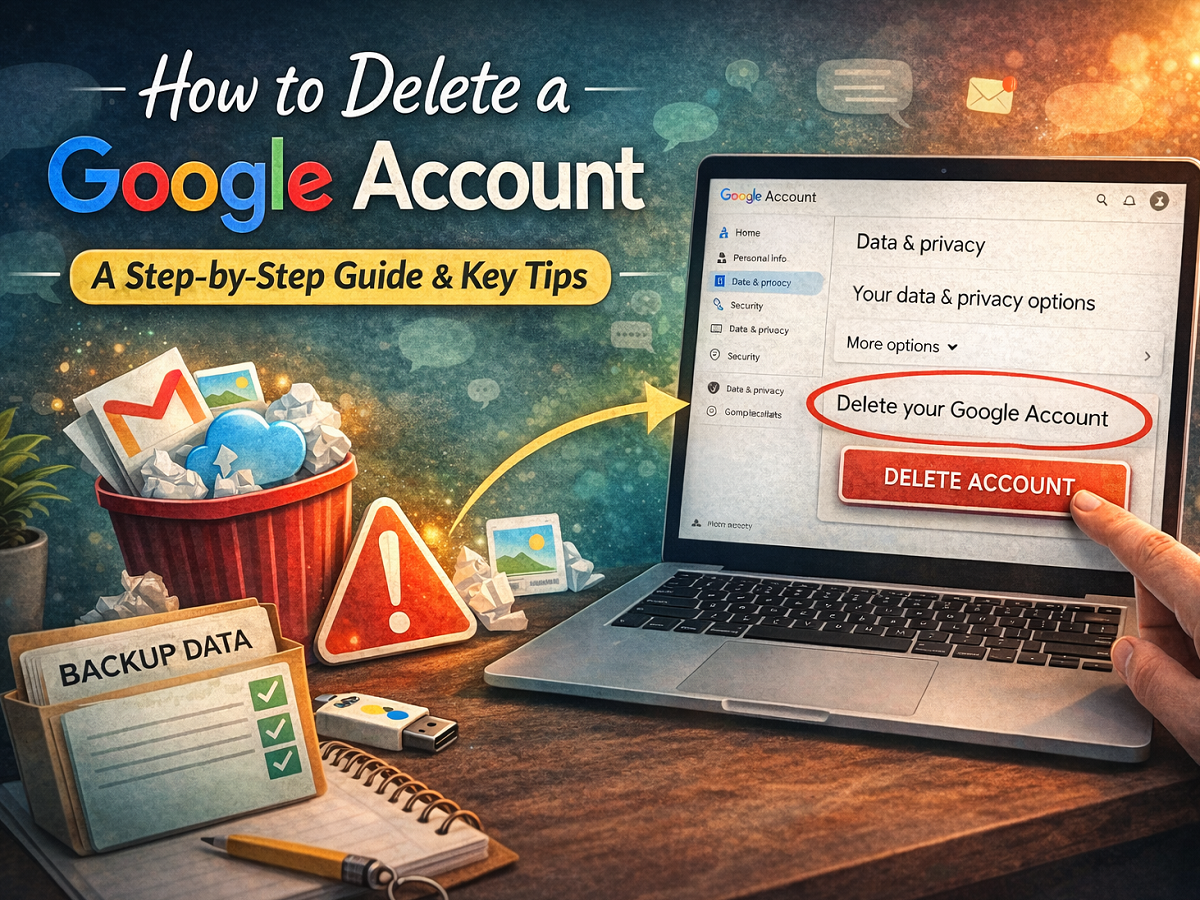
Deleting a Google Account is a major step that can significantly impact your digital life. Whether you are moving to a different email provider, reducing your online footprint, or simply cleaning up unused accounts, it is important to understand the full consequences before proceeding.
Google offers a relatively simple process to delete an account, but once completed, the action is largely irreversible. In this detailed guide, we explain how to delete your Google Account step by step, what data you will lose, and what precautions you should take beforehand.
What Happens When You Delete a Google Account?
Before starting the deletion process, it is crucial to understand what you are giving up.
When you permanently delete your Google Account:
- All Gmail emails will be erased
- Files stored in Google Drive will be removed
- Google Photos backups will be deleted
- Google Calendar events will be lost
- Access to Google Play purchases (apps, games, movies, books) will end
- YouTube subscriptions and purchased content will no longer be available
- Saved passwords and Chrome sync data will be removed
In short, deleting your Google Account means losing access to nearly all Google services linked to that account.
If you use your Gmail address for banking, social media, job portals, or app logins, those accounts may also be affected unless you update your email address in advance.
Important Things to Do Before Deleting Your Account
1. Back Up Your Data
Google allows users to download their data through a tool called Google Takeout. This enables you to export emails, files, photos, contacts, and other information before deleting your account.
To download your data:
- Visit your Google Account settings
- Navigate to the Data & Privacy section
- Look for the option to download your data
Select the services you want to back up and follow the instructions to create an archive.
2. Update Linked Accounts
If your Gmail address is connected to:
- Online banking
- Social media platforms
- Subscription services
- Shopping websites
- Work or school accounts
Make sure you change the email address on those platforms before deleting your Google Account.
3. Check Account Recovery Information
Update or verify your recovery phone number and alternate email address. This can help if you change your mind and attempt recovery within the limited recovery window.
Step-by-Step Guide to Delete a Google Account
If you are certain about deleting your account, follow these steps:
Step 1: Open Google Account Settings
Sign in to the Google Account you want to delete.
Step 2: Go to “Data & Privacy”
From the left-side menu, click on Data & Privacy.
Step 3: Scroll to “Your Data & Privacy Options”
Scroll down until you find this section.
Step 4: Select “More Options”
Under this section, click on More options.
Step 5: Choose “Delete Your Google Account”
Click on Delete your Google Account.
Step 6: Confirm and Verify
Google will ask you to review the information and confirm your identity. Follow the on-screen instructions to complete the deletion process.
Once confirmed, your account will be scheduled for permanent deletion.
Can You Delete Specific Services Instead?
If you do not want to delete your entire Google Account, there are alternative options available.
You can:
- Delete only your Gmail service
- Remove specific Google services
- Revoke access from third-party apps
- Manage app permissions individually
This is useful if you simply want to stop using Gmail but still want access to YouTube, Drive, or other services.
Does Deleting One Google Account Affect Others?
No. If you have multiple Google Accounts, deleting one will not impact the others. Each account operates independently.
Deleting a Google Account is a serious decision that should not be taken lightly. Since the action removes emails, files, subscriptions, and digital purchases, it is essential to back up important data and update linked services beforehand.
If you are unsure, consider removing specific services instead of deleting the entire account. However, if you are confident about moving forward, following the proper steps will ensure a smooth and secure account deletion process.