
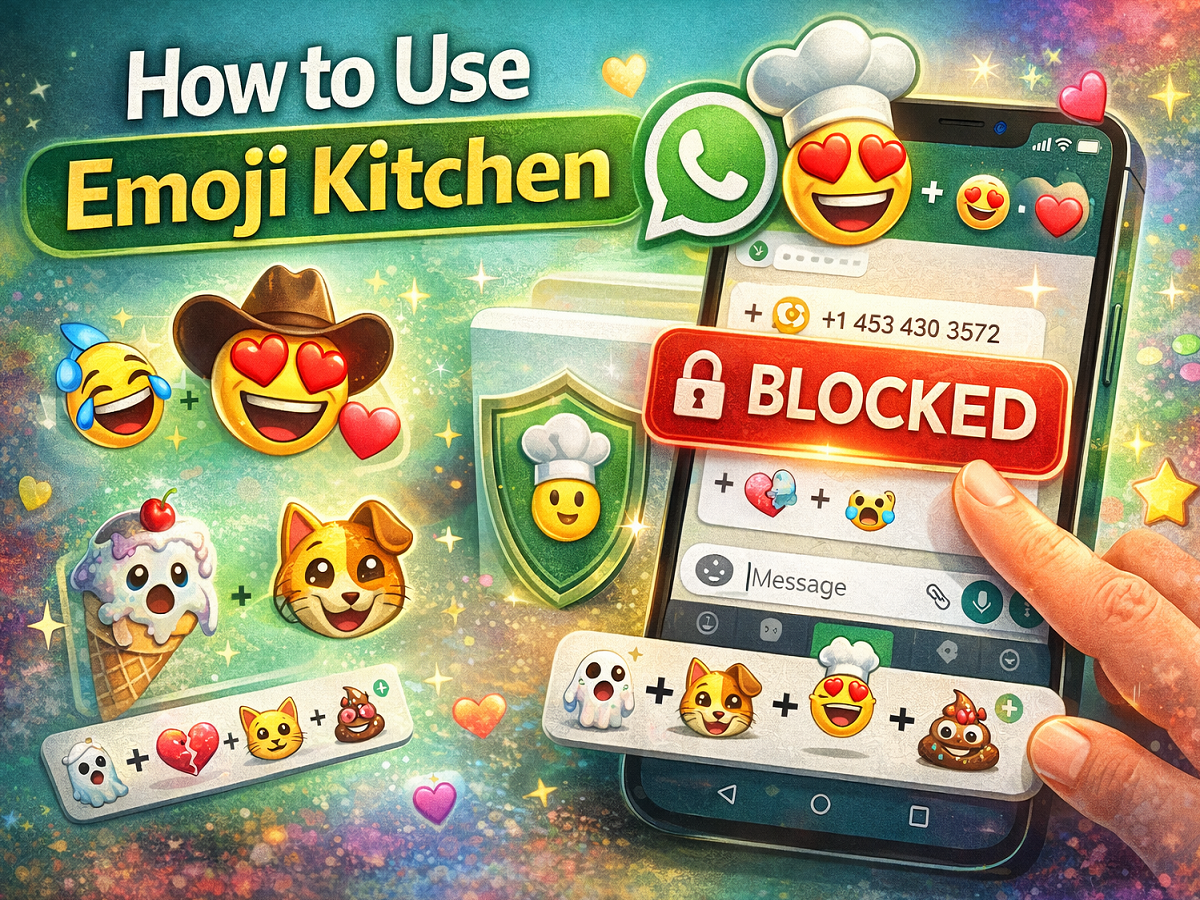
Emoji conversations have become an important part of digital communication, and with Emoji Kitchen, users can make their chats even more fun and expressive. This creative feature allows people to combine different emojis to create new and unique designs that add personality to messages.
If you enjoy experimenting with emojis or want to make your conversations more interesting, Emoji Kitchen is a feature worth exploring. In this guide, we explain how you can use Emoji Kitchen step-by-step and make the most of this exciting tool.
What Is Emoji Kitchen?
Emoji Kitchen is a feature that lets users mix two emojis together to create customized emoji combinations. It is commonly available through keyboard apps and messaging platforms such as **Google’s keyboard Gboard and messaging apps like Google Messages and WhatsApp.
This feature offers hundreds of creative emoji mashups that can make chats more entertaining and expressive.
Step-by-Step Guide to Using Emoji Kitchen
1. Check If Your App Supports Emoji Kitchen
Before using Emoji Kitchen, ensure that your device has an app or keyboard that supports the feature. Many Android devices support it through Gboard or Google Messages.
2. Open a Chat or Start a Conversation
Launch your preferred messaging app and open an existing chat or start a new conversation with a contact.
3. Tap the Emoji Icon
On your keyboard, tap the emoji icon (usually a smiley face or globe symbol) to access the emoji panel.
4. Find the Emoji Kitchen Option
Once you open the emoji menu, look for Emoji Kitchen suggestions. In many cases, when you tap an emoji, the keyboard will automatically show combination options above the keyboard.
5. Select a Base Emoji
Choose an emoji that you want to start with. This will act as the base emoji for creating combinations.
6. Explore Suggested Emoji Mixes
After selecting the base emoji, several unique combinations will appear. Scroll through the suggestions to find the one you like.
7. Insert the Emoji Combination
Tap the emoji mix you prefer, and it will be added directly to your message.
8. Send Your Message
Once you have selected the emoji combination, simply press the send button to share it with your friend or contact.
Tips to Get the Most Out of Emoji Kitchen
- Try different emoji combinations to discover hidden designs.
- Use creative mixes to express emotions in a fun way.
- Update your keyboard app regularly to access new emoji combinations.
- Combine emojis that represent moods, celebrations, or reactions.
Why Emoji Kitchen Is Popular
Emoji Kitchen has gained popularity because it allows users to move beyond standard emojis and create something unique. It adds creativity to everyday conversations and makes messaging more interactive.
With hundreds of possible combinations available, users can continue experimenting and finding new emoji styles that suit their mood or message.
Final Thoughts
Emoji Kitchen is an entertaining feature that brings creativity to digital conversations. By mixing emojis and exploring new combinations, users can make their chats more lively and expressive.
Whether you are chatting with friends or sharing reactions in group conversations, Emoji Kitchen offers a simple yet fun way to upgrade your messaging experience.