Business
EPFO PF Balance Check 2026: UMANG App Not Working? Check Your PF Balance by Missed Call or SMS
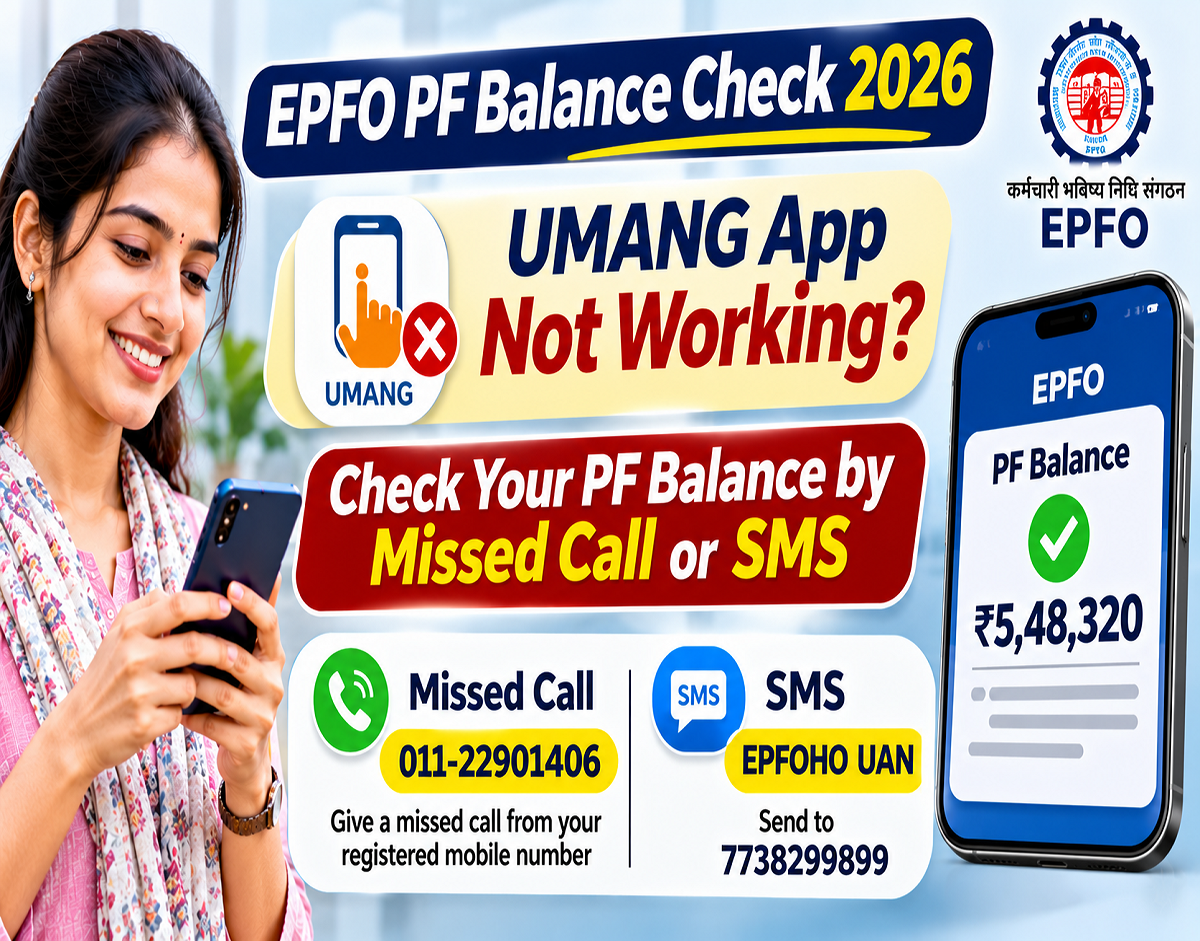
EPFO PF Balance Check 2026: Employees who regularly check their provident fund savings through the UMANG application may occasionally face difficulties because of technical errors, server issues or scheduled maintenance. However, the Employees' Provident Fund Organisation (EPFO) provides alternative facilities that allow eligible members to access their PF account information without using the UMANG app.
EPFO members can check their provident fund balance through a missed call, SMS or the official EPFO passbook website. Some of these services do not even require an internet connection.
For employees who want a quick update on their retirement savings, the missed-call and SMS facilities can be particularly convenient.
Here is a step-by-step guide to checking your EPF balance using the available methods.
UMANG App Not Working? Use These EPFO Services
UMANG is a government-supported mobile application that provides access to several public services, including EPFO facilities.
Members commonly use it to view their EPF passbooks and access other provident fund services.
However, if the application is temporarily unavailable, there is no need to wait for it to start working again.
EPFO provides other ways to obtain account information.
The main options include:
- Giving a missed call from a registered mobile number.
- Sending an SMS in the prescribed format.
- Logging in to the official EPFO passbook portal.
Each method has different requirements, and the information available may vary.
Importantly, difficulty accessing UMANG does not necessarily indicate a problem with the member's provident fund account.
How to Check PF Balance Through a Missed Call
The missed-call facility is one of the simplest ways to obtain basic EPF account information.
Members do not need to install an application or log in to a website.
EPFO MISSED-CALL SERVICE
9966044425
Copy
Call from your UAN-registered mobile number. The call should disconnect automatically, and an SMS may follow.
Follow these steps:
- Open the phone dialler on your mobile.
- Dial 9966044425 using your EPFO-registered mobile number.
- Allow the call to ring and disconnect automatically.
- Wait for the response SMS from EPFO.
- Review the available PF balance and contribution information.
The service is intended for eligible members with an activated Universal Account Number (UAN) and the required linked records.
The response may take longer during technical disruptions or periods of heavy traffic.
How to Check EPFO Balance Through SMS
EPFO also offers an SMS-based account information service.
This option can be useful for people who do not have a smartphone or reliable internet access.
SMS FORMAT FOR ENGLISH
EPFOHO UAN ENG
Copy
SEND TO
7738299899
Copy
To use this facility, open your mobile phone's messaging application, type the prescribed SMS and send it from the mobile number registered with your UAN.
The message format uses a language code at the end.
For example, ENG requests information in English, while HIN can be used for Hindi.
SMS Format for Hindi
Copy
EPFOHO UAN HIN
After the request is processed, EPFO may send the available account details through SMS.
Standard operator SMS charges may apply.
Check Detailed PF Balance Through the EPFO Passbook Portal
Employees who need more detailed information can use the official EPFO passbook website.
Unlike the missed-call and SMS services, the online passbook facility allows members to examine contribution entries and other available account records.
To access the passbook:
- Visit the EPFO Passbook Portal.
- Enter your UAN and password.
- Complete the required security verification.
- Sign in to your account.
- Select the relevant Member ID if multiple accounts are displayed.
- Open the available passbook details.
- Review employee contributions, employer contributions and credited interest.
- Download the passbook if the facility is available.
The passbook may not display the most recent payroll contribution immediately, as updates depend on employer filings and processing.
Also, certain exempted establishments maintain provident fund accounts through their own trusts, so their members may need to obtain passbook information from the employer or trust.
Which PF Balance Checking Method Is Best?
| Method | Internet Required? | Main Benefit |
|---|---|---|
| Missed call | No | Quick account information |
| SMS | No | Balance information in a supported language |
| EPFO passbook portal | Yes | Detailed contribution records |
| UMANG app | Yes | Mobile access to EPFO services |
For a quick check, the missed-call or SMS facility may be sufficient.
For a detailed review of monthly contributions, the passbook portal is generally more useful.
What Is Required to Use the Missed-Call and SMS Services?
EPFO's automated account information services are linked to a member's UAN and registered mobile number.
Members should ensure that their UAN is activated and their mobile number is correctly recorded.
The missed-call facility also requires the relevant KYC information to be available in the UAN records, in accordance with EPFO's service conditions.
Applicants should check whether Aadhaar, bank account and PAN details are correctly recorded wherever applicable.
However, members should not assume that every EPFO service has exactly the same KYC requirements.
If a missed-call or SMS request fails, the member can check their UAN profile through the official EPFO member portal.
What if You Do Not Receive a PF Balance SMS?
Sometimes members may not receive an immediate response after making a missed call or sending an SMS.
Possible reasons include an inactive UAN, an unregistered mobile number, incomplete records or a temporary service issue.
Members should first confirm that the request was made using the correct mobile number.
They can then check whether their UAN is active and whether the required details are updated.
If the service remains unavailable, the official passbook portal provides another option.
For persistent problems, members can use the EPFO grievance facility through EPFiGMS.
Is It Safe to Check PF Balance Through SMS?
The official missed-call and SMS services are designed to provide account information through registered contact details.
However, members should remain cautious about fraudulent messages claiming to be from EPFO.
Never share your UAN password, OTP, Aadhaar authentication details or banking PIN with unknown callers.
EPFO balance information should be obtained only through verified official channels.
Members should also avoid installing unfamiliar applications that promise instant PF withdrawals or guaranteed account access.
Does Checking PF Balance Affect Your Savings?
No. Checking your EPF balance does not withdraw money or reduce the amount saved in your provident fund account.
The missed-call and SMS facilities are information services.
They allow members to review available account details without initiating a withdrawal.
Employees should periodically check their passbooks to confirm that employer contributions are being credited correctly.
If a contribution appears to be missing, they should contact their employer or raise an appropriate grievance.
Final Words
EPFO members do not need to depend entirely on the UMANG app to check their provident fund balance.
They can use the official missed-call number 9966044425, send an SMS to 7738299899, or log in to the EPFO passbook portal for detailed records.
These alternatives are especially useful when the UMANG app is temporarily inaccessible or when an employee does not have reliable internet connectivity.
Keeping the UAN active and registered contact information updated can help ensure smoother access to EPFO services.