
Business
Aadhaar Card: How to download your Aadhaar card? Get it done in 1 minute; check out the full process now..
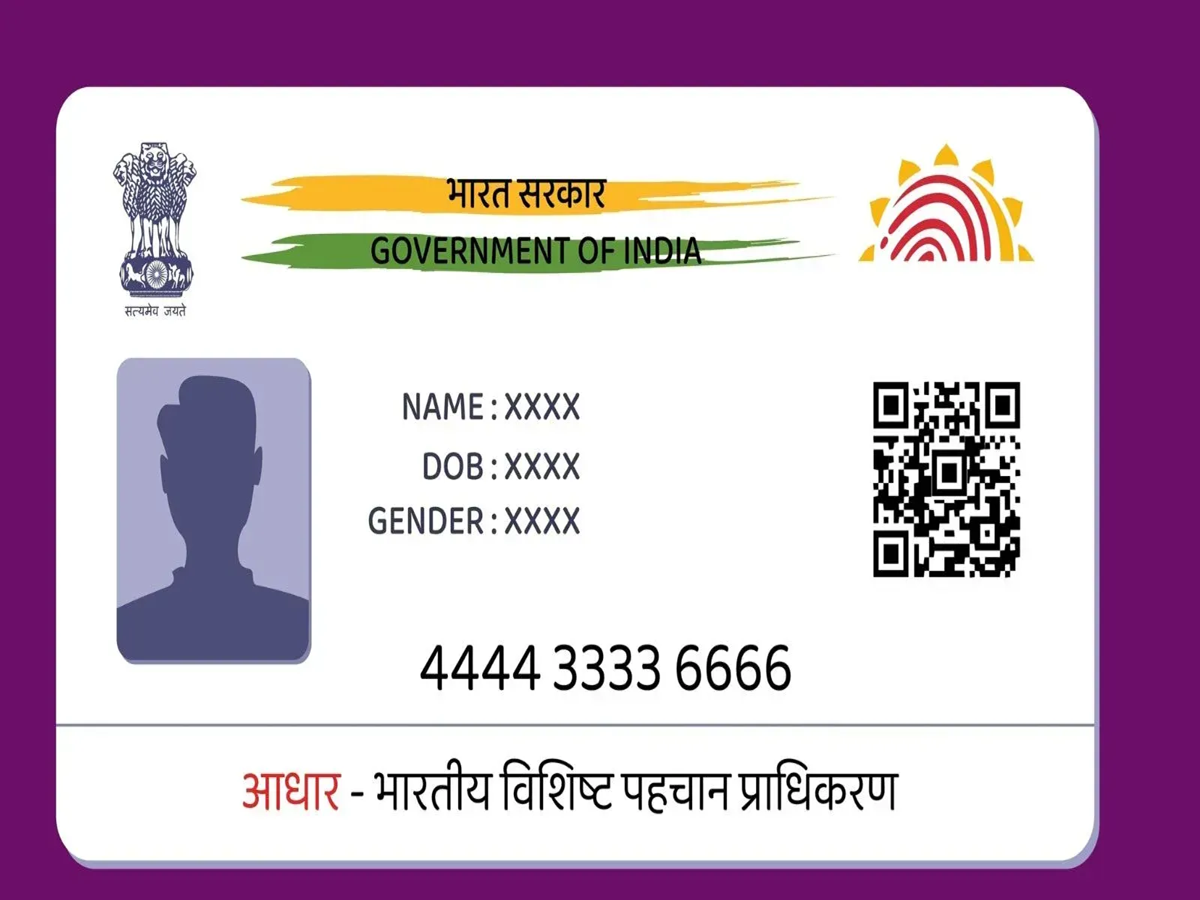
Nowadays, an Aadhaar card is frequently required—whether for government-related tasks or opening a bank account. However, you may not always have your physical Aadhaar card with you. In such situations, an 'e-Aadhaar' can be very useful.
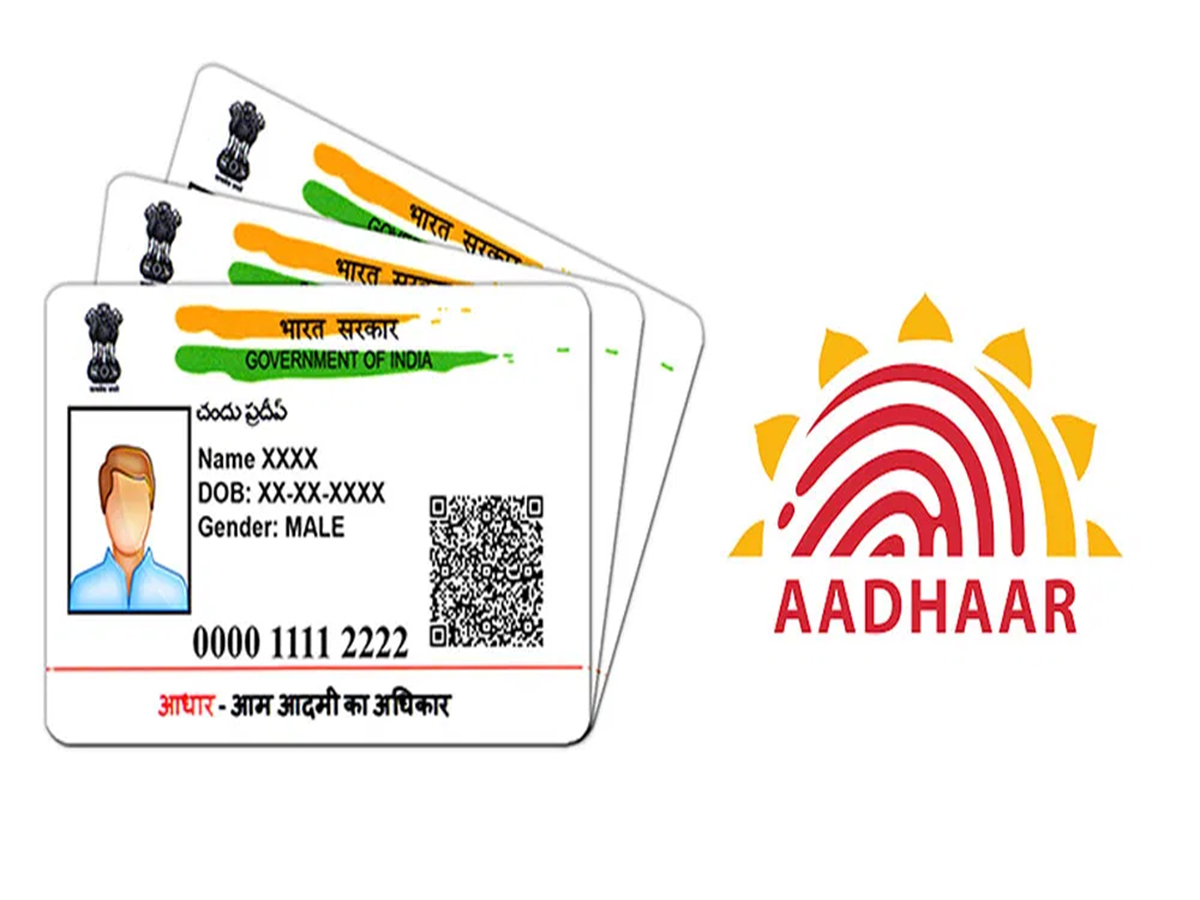
The main question is: how can you download your Aadhaar card online? Let’s resolve this for you. But first, let’s understand what an e-Aadhaar is.
What is e-Aadhaar?
An e-Aadhaar is essentially a digital version of your physical Aadhaar card. You no longer need to carry the physical card with you everywhere; instead, you can download it as a PDF file. It is issued by the UIDAI, the authority that manages the Aadhaar system. An e-Aadhaar contains your name, address, other personal details, and a QR code. Let’s look at how and where you can download it.
How to download it?
If you wish to download your e-Aadhaar, simply follow these steps:
Step 1: Visit the official UIDAI website.
Step 2: Look for the 'Download Aadhaar' option.
Step 3: To proceed with the download, enter either your Aadhaar number, Enrollment ID, or Virtual ID (VID).
Step 4: Enter the captcha code.
Step 5: Click on the 'Send OTP' option.
Step 6: You will receive an OTP on the mobile number linked to your Aadhaar. Enter this OTP on the website.
Step 7: Once done, your e-Aadhaar will be downloaded. You can access the file on your mobile device.
PC Social Media