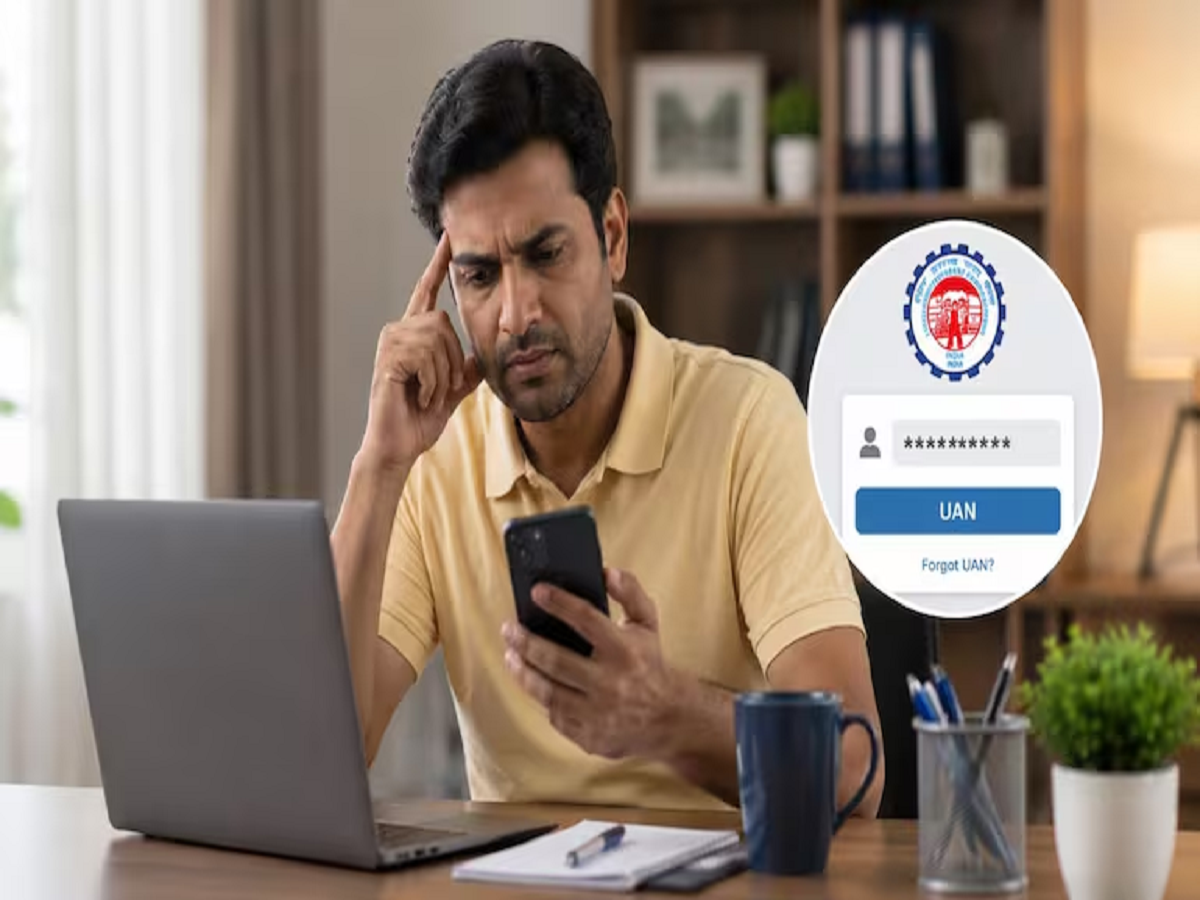
For Employees' Provident Fund (EPF) members, the Universal Account Number (UAN) is essential for accessing PF-related services such as checking account balances, downloading passbooks, transferring funds, or submitting withdrawal claims. However, many employees forget their UAN after changing jobs or remaining inactive for a long period.
The good news is that recovering your UAN is simple. The Employees' Provident Fund Organisation (EPFO) allows members to retrieve their UAN through its official Member Portal as well as the UMANG mobile application. The process takes only a few minutes if your Aadhaar-linked mobile number is active.
Here's a complete step-by-step guide.
Why Is Your UAN Important?
The Universal Account Number acts as a permanent identity for every EPF member and remains the same throughout an employee's career, even when changing employers.
A valid UAN allows you to:
- Check your PF balance online
- Download your EPF passbook
- Submit online PF withdrawal claims
- Transfer PF accounts after changing jobs
- Update KYC details
- Access other EPFO online services
Without the UAN, accessing many EPFO services becomes difficult.
How to Recover Your UAN Through the EPFO Member Portal
EPFO offers a dedicated online facility called "Know Your UAN" that enables members to retrieve their account number quickly.
Step 1: Visit the EPFO Member Portal
Open the official EPFO Member Portal and select the "Know Your UAN" option.
Step 2: Enter Your Registered Mobile Number
Provide the mobile number linked with your Aadhaar or EPFO records.
Complete the CAPTCHA verification and click "Request OTP."
Step 3: Verify the OTP
Enter the One-Time Password (OTP) received on your registered mobile number.
Step 4: Choose Your Identification Document
Select any one of the following identification options:
- Aadhaar Number
- PAN Number
- Member ID (PF Number)
Step 5: Enter Personal Details
Provide the required information, including:
- Full name
- Date of birth
- CAPTCHA code
After submitting the details, click "Show My UAN."
Your Universal Account Number will appear on the screen and may also be sent to your registered mobile number through SMS.
How to Recover Your UAN Using the UMANG App
Members can also retrieve their UAN through the government's UMANG (Unified Mobile Application for New-age Governance) app.
Follow these steps:
- Open the UMANG app on your smartphone.
- Search for EPFO.
- Select Employee Centric Services.
- Tap Know Your UAN.
- Enter your registered mobile number.
- Complete OTP verification.
- Choose Aadhaar, PAN, or Member ID as your identity proof.
- Enter your name and date of birth.
- Tap Show My UAN.
The application will display your UAN immediately after successful verification.
How to Recover UAN Using Only Your Old PF Number
Even if your Aadhaar or PAN is not linked, you may still be able to recover your UAN using your old PF Member ID.
The process is similar:
- Open the Know Your UAN section.
- Select Member ID as the identification method.
- Enter your old PF account number.
- Provide your name and date of birth exactly as recorded with EPFO.
- Complete verification.
If the information matches EPFO records, your UAN will be retrieved successfully.
What Does the 'ORA-20001' Error Mean?
Some users may encounter an error message reading:
"ORA-20001 – Demographic details do not match."
This usually indicates that the personal information entered does not match EPFO records.
Common reasons include:
- Incorrect spelling of your name
- Different date of birth
- Gender mismatch
- Aadhaar details not matching EPFO records
If this error appears, you will first need to update your EPFO profile through your employer or request a correction with EPFO before attempting to recover your UAN again.
Tips for a Successful UAN Recovery
To avoid verification issues, make sure:
- Your Aadhaar-linked mobile number is active.
- Your personal details match EPFO records exactly.
- Your Aadhaar, PAN, and Member ID information is correct.
- You enter your name without spelling mistakes.
Keeping your KYC information updated can make future EPFO services much easier.
Why Recovering Your UAN Matters
Your UAN serves as the gateway to almost every online EPFO service. Whether you want to monitor your retirement savings, transfer PF after switching jobs, download your passbook, or submit a withdrawal claim, the UAN is required.
Fortunately, EPFO has made the recovery process straightforward through both the Member Portal and the UMANG app. With your registered mobile number and basic identity details, most users can retrieve their UAN within minutes without visiting an EPFO office.