
Business
Tips: Is your phone charging slowly? Check if there is dirt in the charging port and learn the right way to clean it..
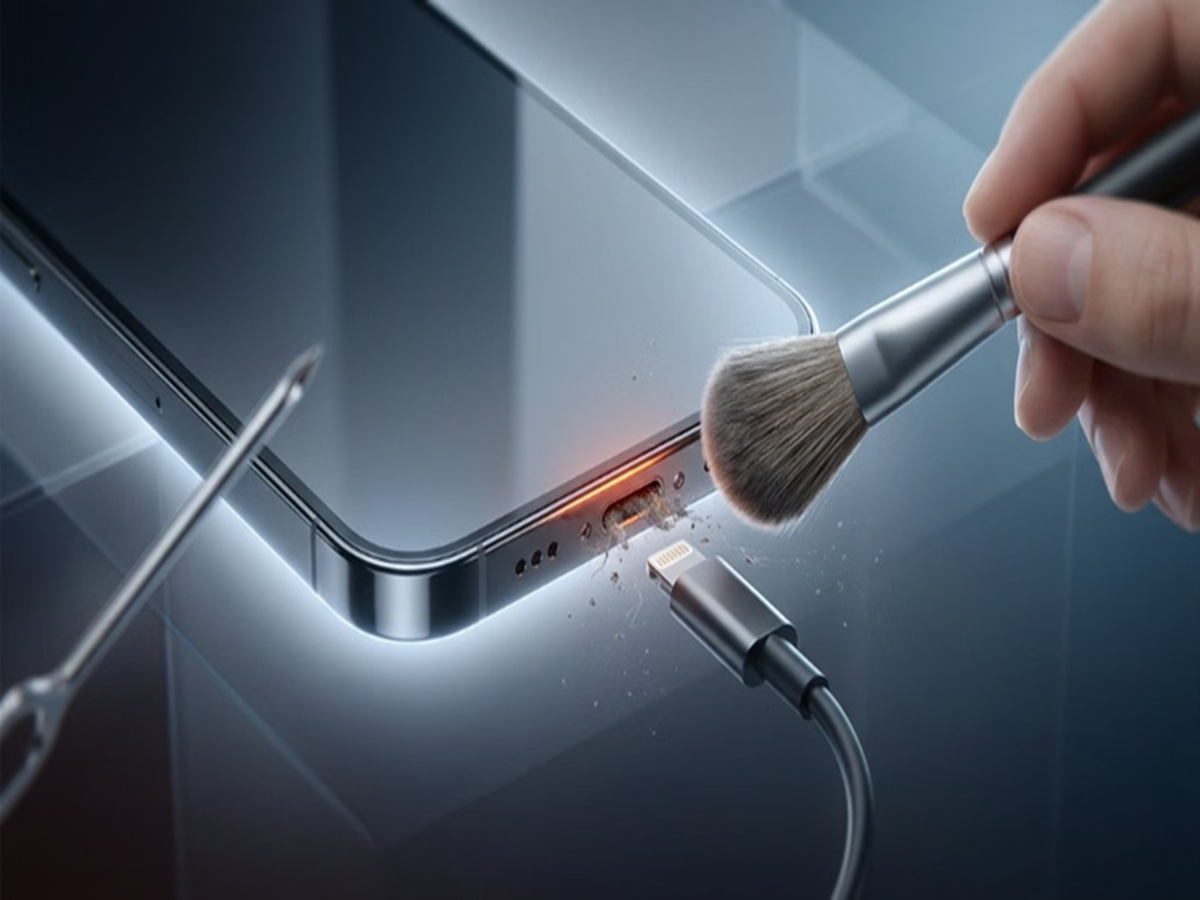
Smartphone Charging Port: We rely on our smartphones for various tasks throughout the day, yet even the slightest negligence can lead to significant damage. The charging port is one of the phone's most sensitive components; if it malfunctions, the entire phone becomes unusable. Since wireless charging isn't available on every phone, proper maintenance and the right information are crucial.
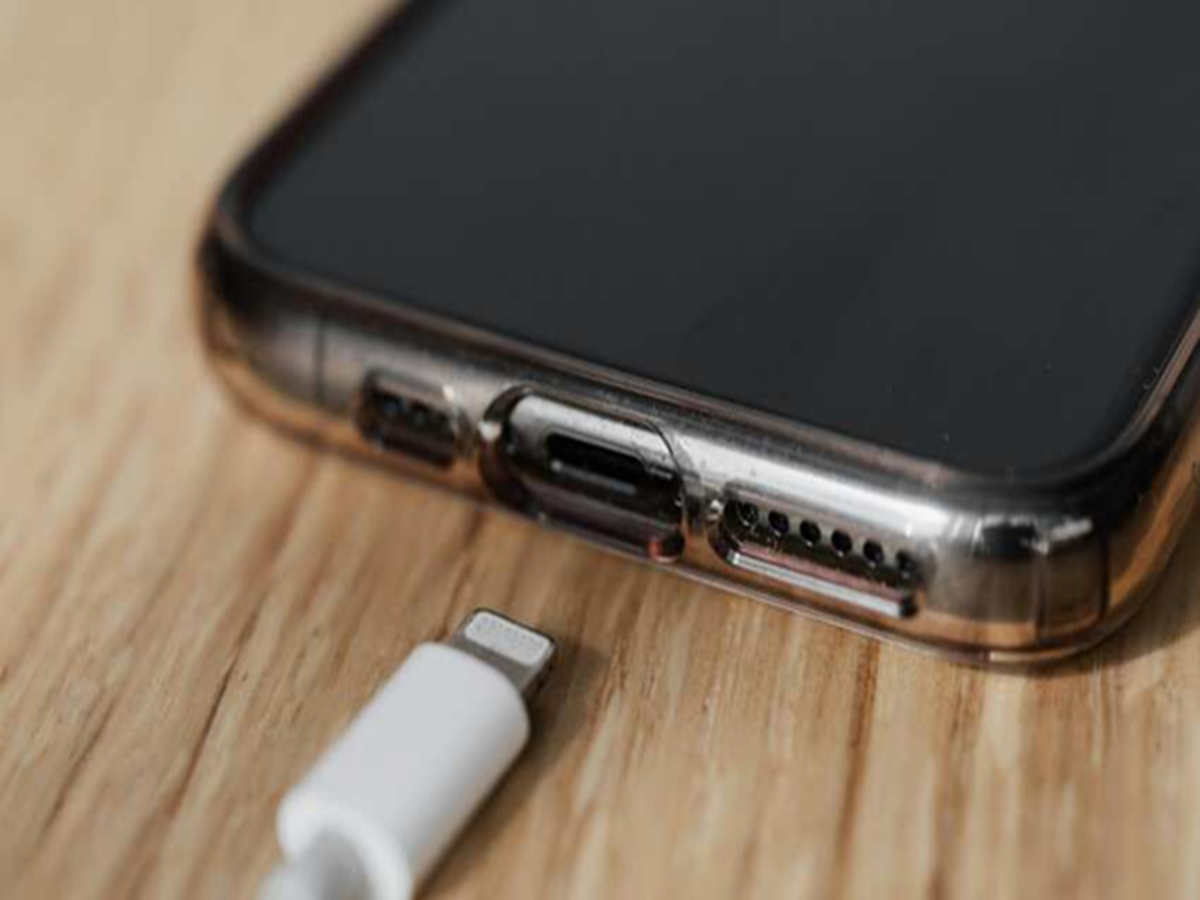
Why and how does dirt accumulate in the port?
We carry our smartphones in pockets, handbags, or dusty environments daily. During this time, tiny fabric fibers and dust particles from pockets and bags gradually accumulate inside the charging port. Consequently, the charging cable's connector cannot fit snugly into the port. This causes the cable to become loose, leads to intermittent charging, or significantly slows down the charging speed.
The right way to clean the charging port
If dirt has accumulated in your phone's port, follow these safe steps:
Turn off the phone completely: Before cleaning, unplug the charger and power off the phone entirely.
Inspect with a flashlight: Use a flashlight or a bright light to look inside the port. Proceed with cleaning only if you actually see dust or fibers. If the port appears clean but charging still fails, the issue might lie with the cable, adapter, or internal hardware.
Use a soft brush: To remove light dust, use a dry, clean, soft-bristled brush. Gently clean the outer edges of the port. Be careful not to force anything inside, as this could break the delicate pins within.
What should you avoid?
Do not insert metal or sharp objects: Never use metal objects like safety pins, needles, paper clips, or knives. This can bend the internal pins and cause a short circuit, potentially ruining the port entirely and leading to significant repair costs.
Keep away from liquids and chemicals: Never introduce water, sanitizer, perfume, or any cleaning sprays into the port. Brands like Apple and Samsung specifically advise against using liquids on exposed components.
Avoid charging when wet: Do not plug in the charger if the phone is damp or if a "Moisture Detected" warning appears on the screen. Place the phone in the cool airflow of a fan for a few hours and connect the cable only after it has dried completely.
What to do if the problem persists?
If the phone fails to charge despite proper cleaning, or if the cable keeps slipping out or charging repeatedly stops, do not attempt repeated DIY fixes at home.
Take it to an authorized service center immediately. Sometimes, the issue lies not with the charging port itself but with the charging IC, the battery, or the cable.
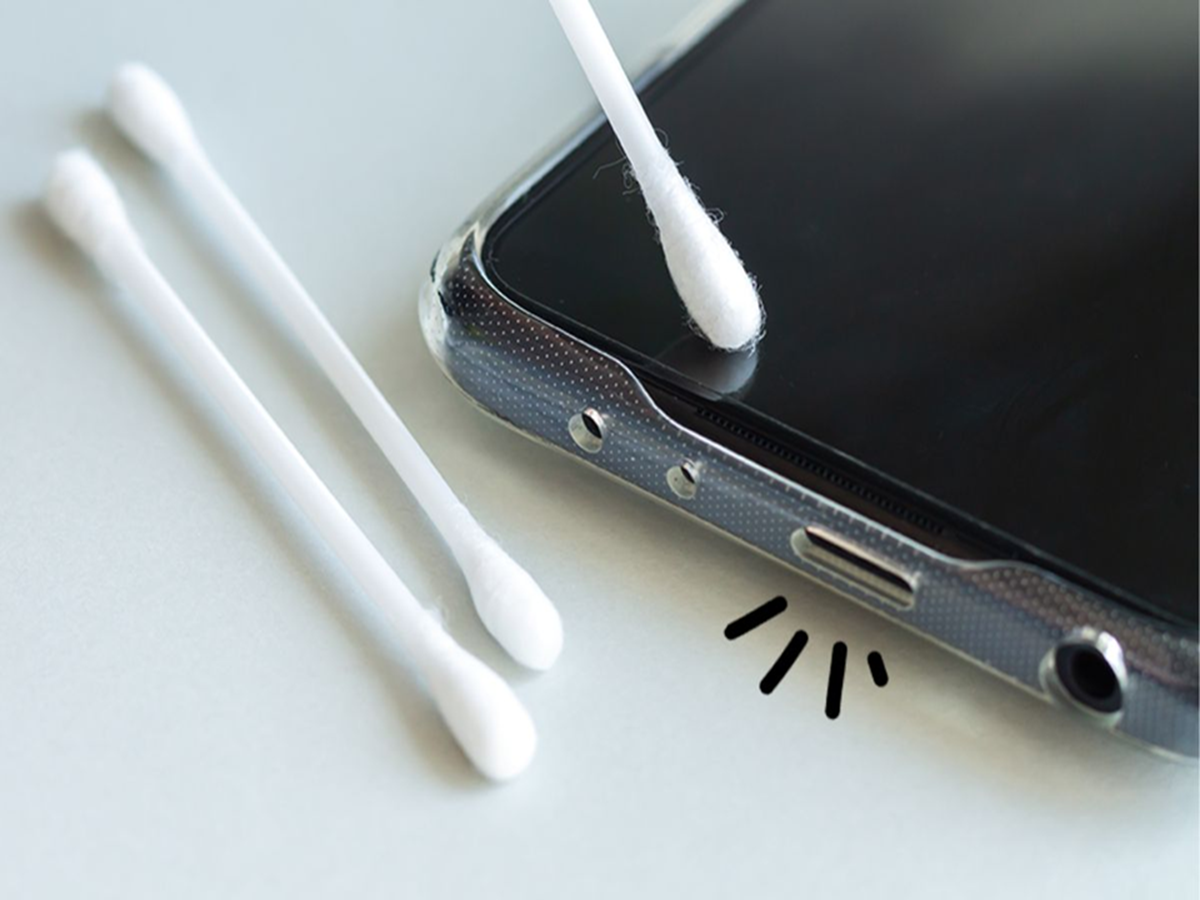
Essential tips for care and maintenance
Check every 3–6 months: If you frequently carry your phone in your pocket, inspect the port using a flashlight once every three to six months.
Avoid unnecessary tampering: Do not attempt to clean the port by inserting objects without a valid reason or necessity. The less you tamper with it, the lower the risk of damage.
PC Social Media