
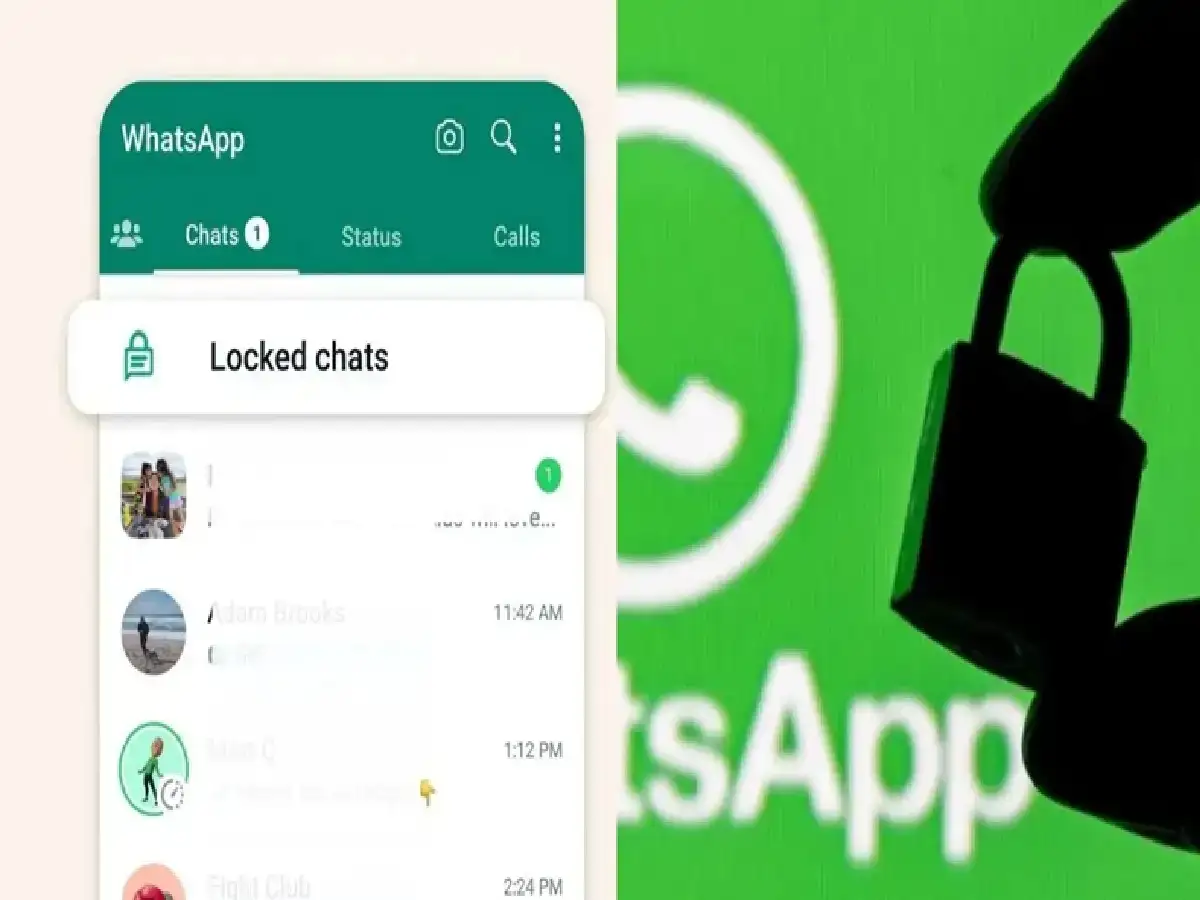
Keep your personal conversations secure by locking selected WhatsApp chats with your device password, fingerprint, Face ID, or a Secret Code
WhatsApp Tips: While many people protect their smartphones with a screen lock, there are times when you may want an extra layer of privacy for specific WhatsApp conversations. To address this, WhatsApp offers a Chat Lock feature that allows users to secure individual chats without locking the entire app.
Once a chat is locked, it can only be opened using your device's authentication method—such as a fingerprint, Face ID, device passcode, or, on supported versions, a Secret Code.
What Is WhatsApp Chat Lock?
Chat Lock is a privacy feature that lets you protect selected individual or group chats from unauthorized access.
Locked chats are moved to a separate Locked Chats folder and require authentication before they can be viewed. Notifications from locked chats may also hide message content, depending on your device and notification settings.
How to Lock a Specific WhatsApp Chat
If you're using the latest version of WhatsApp, follow these steps:
Step 1: Open WhatsApp
Launch the WhatsApp app on your Android or iPhone.
Step 2: Select the Chat
Open the individual or group conversation you want to protect.
Step 3: Tap the Contact or Group Name
Tap the contact's name or the group title at the top of the chat screen to open chat settings.
Step 4: Choose "Chat Lock"
Scroll down and tap Chat Lock.
Step 5: Enable the Lock
Confirm the feature using your available authentication method, such as:
- Fingerprint
- Face ID
- Device passcode or password
Once enabled, the selected conversation will be moved to the Locked Chats section.
Add an Extra Layer of Privacy with Secret Code
WhatsApp also supports a Secret Code feature on compatible app versions, allowing users to hide the Locked Chats folder itself.
To set it up:
- Open the Locked Chats section.
- Go to Settings.
- Select Secret Code.
- Create a strong code or password.
- Save your changes.
After setup, you'll need the Secret Code to access hidden locked chats.
Benefits of Chat Lock
Using Chat Lock offers several privacy advantages:
- Protects sensitive personal or work conversations.
- Prevents unauthorized access to selected chats.
- Lets you secure individual chats instead of the entire app.
- Adds another layer of protection with Secret Code on supported devices.
- Helps keep confidential messages away from anyone using your phone.
Tips for Better WhatsApp Privacy
To improve your account security:
- Keep WhatsApp updated to the latest version.
- Enable two-step verification for your account.
- Use a strong device password or biometric authentication.
- Avoid sharing your Secret Code with anyone.
- Lock your phone whenever it's not in use.
A Simple Way to Keep Conversations Private
Whether you're protecting personal conversations, business discussions, or confidential information, WhatsApp's Chat Lock feature provides an easy way to add extra privacy. Combined with the optional Secret Code, it helps ensure that only you can access your most sensitive chats.
Disclaimer: Chat Lock and Secret Code availability may vary depending on your WhatsApp version, operating system, and device. Some features are rolled out gradually, so users should update WhatsApp to the latest version to access the newest privacy tools.