
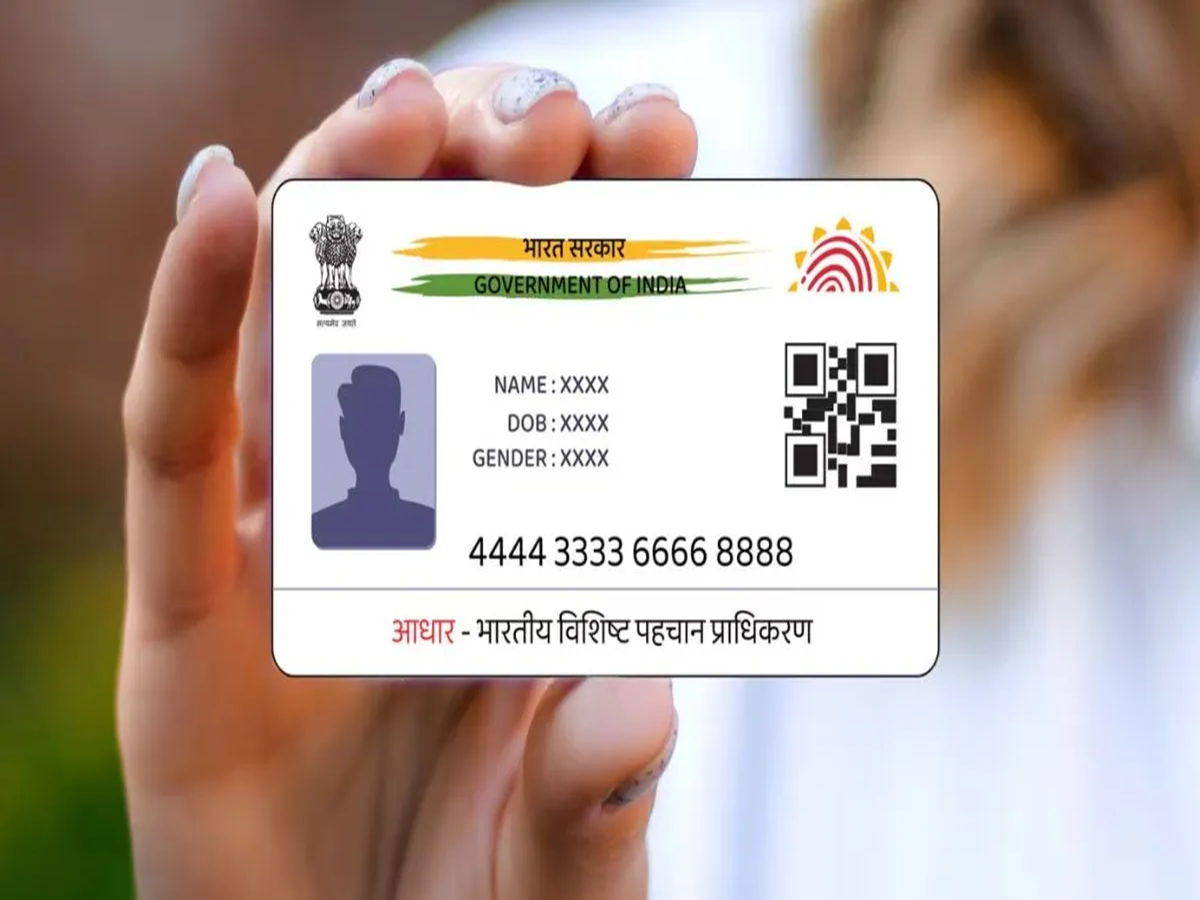
Nowadays, the Aadhaar card is considered the most important form of identification. Carrying out any significant task without it is difficult; in fact, you need your Aadhaar card for almost any official procedure. However, it can only be used effectively if it is fully updated.
The Aadhaar card is frequently requested for verification purposes. If your current, active mobile number is not linked to your Aadhaar, you may face issues with verification processes that require an OTP. Therefore, it is essential to ensure that your updated mobile number is registered with your Aadhaar.
Get it done in minutes.
You can now update the mobile number linked to your Aadhaar card with great ease. There is no need to make multiple trips to an office or submit physical documents. Let’s take a look at the process.
Aadhaar Mobile Number Update: How to do it
First, download the Aadhaar app from the Play Store.
If you are using the app for the first time, enter your Aadhaar number and complete the verification via face authentication or an OTP.
After logging in, you will need to set a 6-digit M-PIN.
You can use this PIN to access the app in the future.
Now, let’s see how you can update your mobile number through the app.
Step 1: Open the app and enter your PIN.
Step 2: On the app's home page, you will see a 'Services' option.
Step 3: Within the 'Services' section, you will find an option labeled 'My Aadhaar'—click on it.
Step 4: Carefully read the instructions displayed on the screen and click on 'Continue'.
Step 5: You will then see two sections; the first will display your currently registered (old) mobile number. In the second section, enter the new mobile number that you wish to link to your Aadhaar. Step 6 - An OTP will now be sent to your new number; please enter it.
Step 7 - Next, you will be asked for face authentication. This means you will need to open your camera and show your face. Your verification will be completed through this process.
PC Social Media